



Learn and master Clay with Clay university
Featured in Clay University
Finding companies
👉 Why Use this source?
- Find companies that fit your initial ICP
- Import companies and company information in bulk (as opposed to 1 off searches). You can then export these in bulk as well!
- Create initial lists that you can then filter further more with more enrichments (Covered in “Company Data Enrichment).
🤖 How this source works:
- We work with multiple data providers to create a queryable database of companies
🪜 How to set this up:
Step 1: Click “New Table”
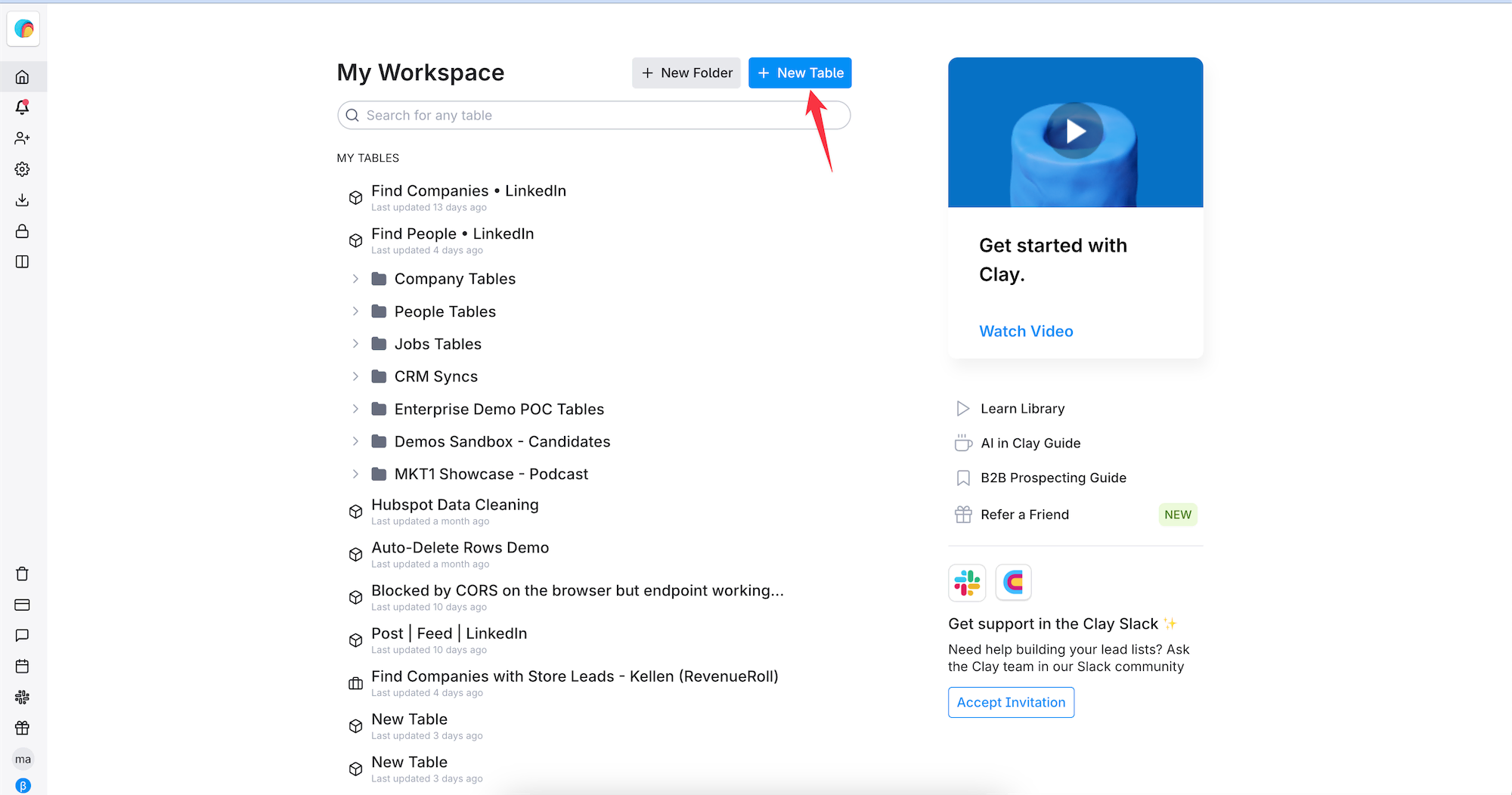
Step 2: Select “Find Companies”
Step 3: Adjust company filters to close in on your ICP
Step 4: Adjust location filters and limit the result count (if you don’t want to pull max results)
Step 5: Click “Preview Companies” to gut check the list!
Step 6: Click “Import Companies to a New table” to begin working more with the list
Step 7: Optionally toggle on any enrichments you’d like auto-run for all companies in this list. *Be careful here! If you have a large list and are unsure if you want to enrich all of these companies, leave off the auto-enrich toggles.
