




Typeform Overview
With Clay’s Typeform integration, you can import responses from your Typeform surveys directly into a Clay table.
Setting up Typeform Integration
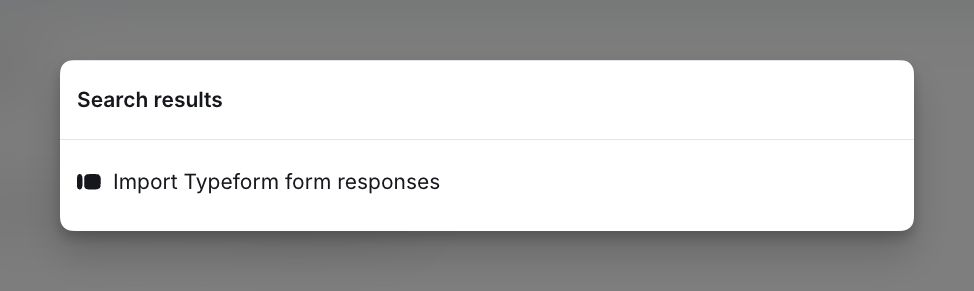
Step 1: Import Typeform as a source
If you are in a new workbook, navigate to the source panel, select all sources, and add Typeform as a source to a Clay table.
If you are in a table, go to Actions --> Import and select Typeform as a source.
Step 2: Connect Your Typeform Account
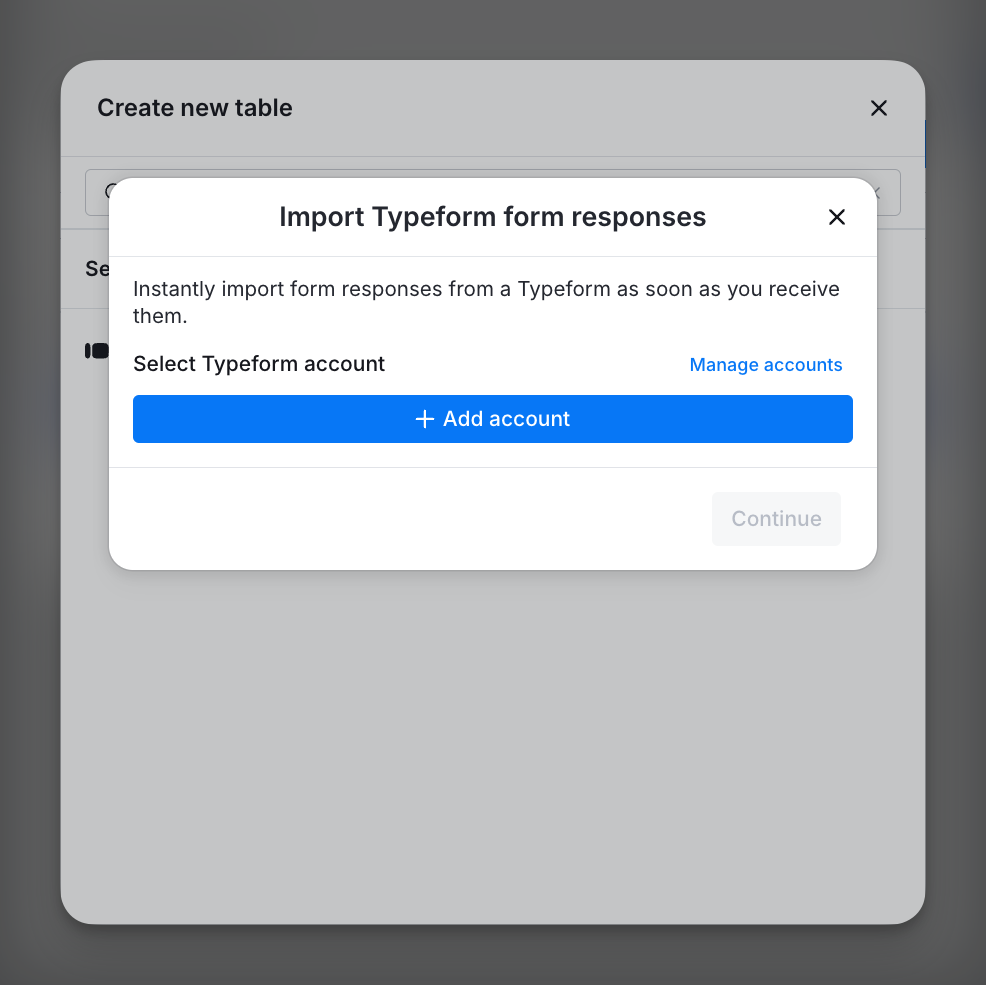
Log in to your Typeform account to link it with Clay. This connection will let you import Typeform responses directly into your Clay table
Step 3: Select the form to import
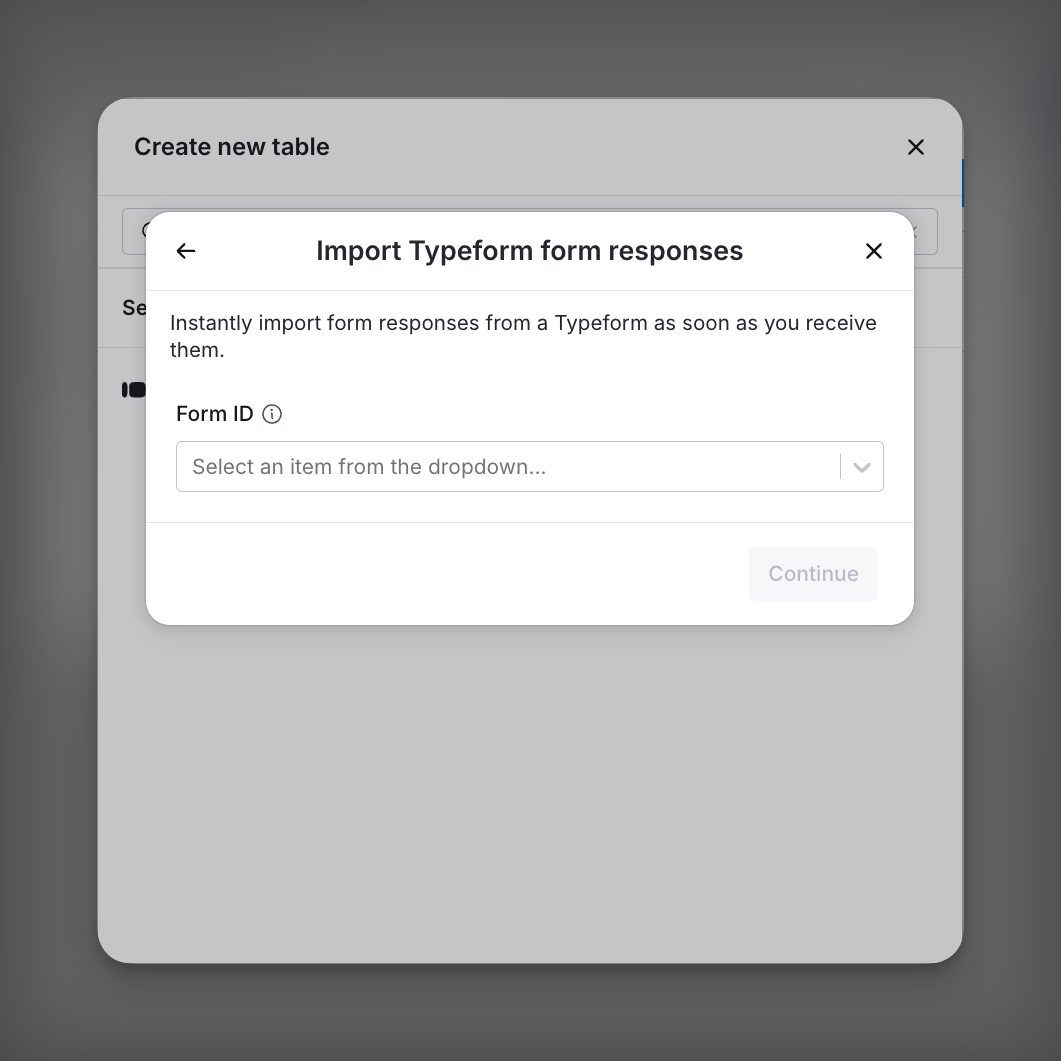
Choose the Typeform you want to import responses from. Each new response will create an entry in your Clay table.
Note: To backfill past responses, use a CSV import.
Explore other docs
Other popular resources
Join a cohort, learn Clay fast!
The faster way to master Clay. Sign in if you're enrolled in a cohort (current or past) or apply!
Hire GTME Talent
Find and connect with GTM talent who've demonstrated expertise in building advanced workflows