




Integration Overview
The Tavus integration allows you to generate personalized videos that can be embedded into your outreach campaigns. This unique feature helps enhance engagement by delivering customized video content to your contacts.
Setting up Tavus
To use the Tavus integration, connect your Tavus account by adding your API key in the Generate Video integration. You can get a Tavus API Key by logging into the Developer Portal. Once connected, you’ll be able to generate personalized videos
How to use Tavus with Clay
Step 1: Select the Tavus action from the integration search

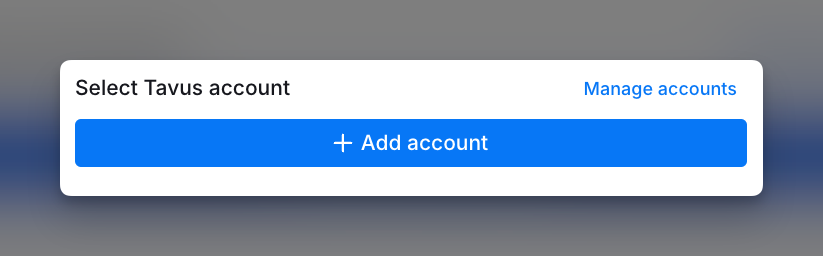
Step 2: Add your Tavus account
Connect your Tavus account by clicking + Add account and entering your Tavus API key.
Step 3: Enter video inputs
Add the Replica ID and Script for Video Generation. Optionally, include a Background Image URL and Video Name for further customization. Use / to reference other columns for personalization.

Step 4: Configure run settings
Auto-update: Captions will automatically enrich any new rows that get added to the table. Learn more about auto-update in this this brief guide.
Conditional runs: To run enrichment only under specific conditions, use formulas that trigger the column when the formula is true. See this Clay University lesson.

Explore other docs
Other popular resources
Join a cohort, learn Clay fast!
The faster way to master Clay. Sign in if you're enrolled in a cohort (current or past) or apply!
Hire GTME Talent
Find and connect with GTM talent who've demonstrated expertise in building advanced workflows