


All docs
/
Find
/
RSS feed integration

RSS feed integration

Real-time content updates delivery via RSS.

Overview

RSS Feed Overview

An RSS feed is a standardized web format that delivers automatic updates from websites, like blogs or news, to a user’s feed reader. The RSS Feed source allows you to pull the feed from a URLs into a Clay table in the form of rows.

Action Import RSS feed into Clay as a source

Step 1: Add RSS Feed as a source

In a workbook, click + Add at the bottom. Search for RSS and select from the results.

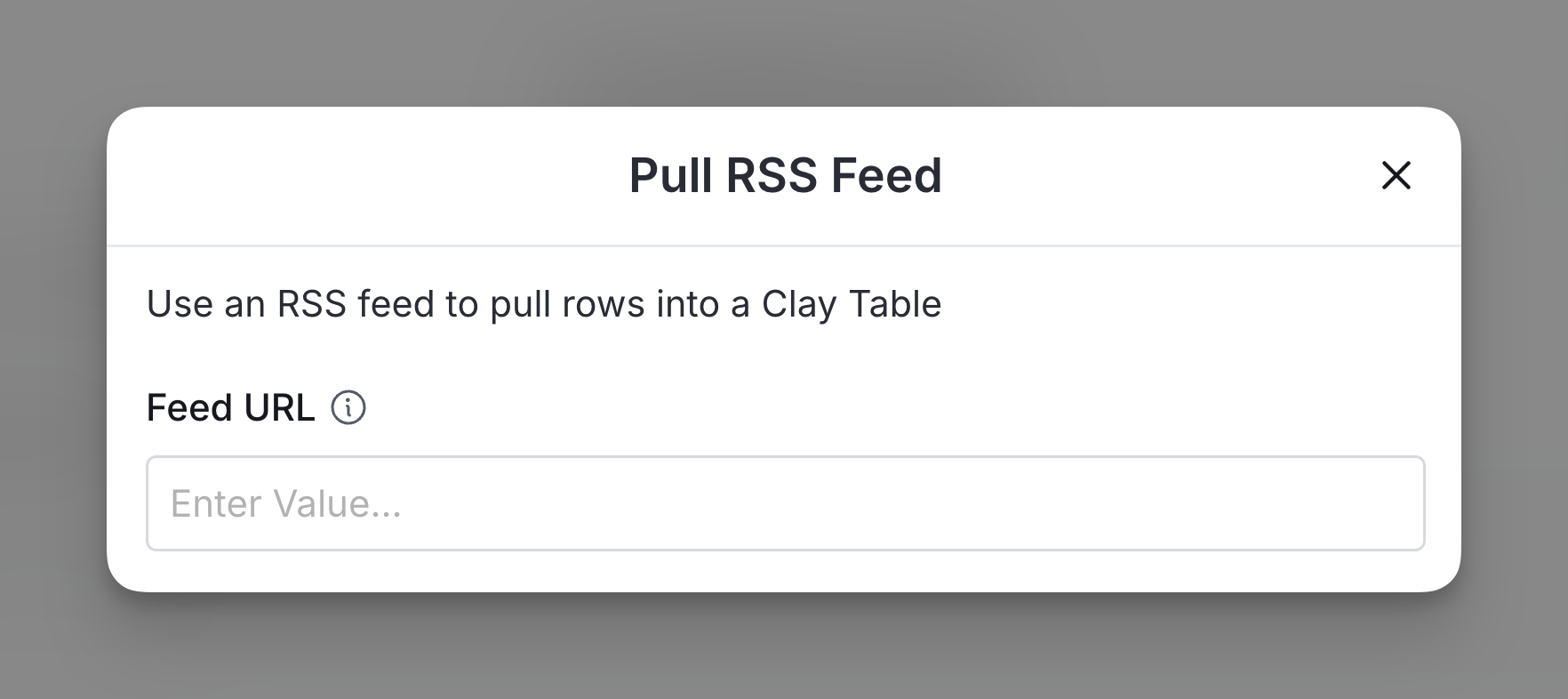
Step 2: Enter the Feed URL

This will import the feed’s items into individual rows.
Explore other docs

Web scraping

Sumble integration

Validate whether a company uses specific technologies.

View article
Export

Microsoft Teams integration

Send messages to Microsoft Teams channels directly from Clay.

View article
Enrich

EmailBison integration

Import leads into campaigns directly from Clay, ensuring accurate and efficient campaign execution.

View article

Keyboard shortcuts

Work faster in Clay with keyboard shortcuts.

View article
Export

Salesforce SOQL

The Salesforce SOQL source enables you to import records from Salesforce by writing custom queries.

View article
Transform

Share workbooks and tables as templates

Share your Clay workbooks and tables.

View article
Enrich

Zerobounce integration overview

Email validation and deliverability tools boost inbox placement and marketing ROI.

View article

Other popular resources

Experts

Find a Clay Expert

Explore our network of Clay experts and agencies

View experts
Community

Join our slack community

Find help in our slack community, and support channels

Go to slack
Cohorts

Join a cohort, learn Clay fast!

The faster way to master Clay. Sign in if you're enrolled in a cohort (current or past) or apply to an upcoming one!

Learn more about cohorts