




Pipedrive Overview
The Pipedrive integration lets you sync data within your Clay table to the Pipedrive platform. With this integration you’re able to:
- Lookup people and organizations
- Create people and organizations
- Update people and organizations
Connecting Pipedrive to Clay
You can connect your Pipedrive account to Clay in two ways via OAuth:
Method 1: Connect Pipedrive within enrichment panel
When running a Pipedrive integration in Clay, you’ll be prompted to Add account.
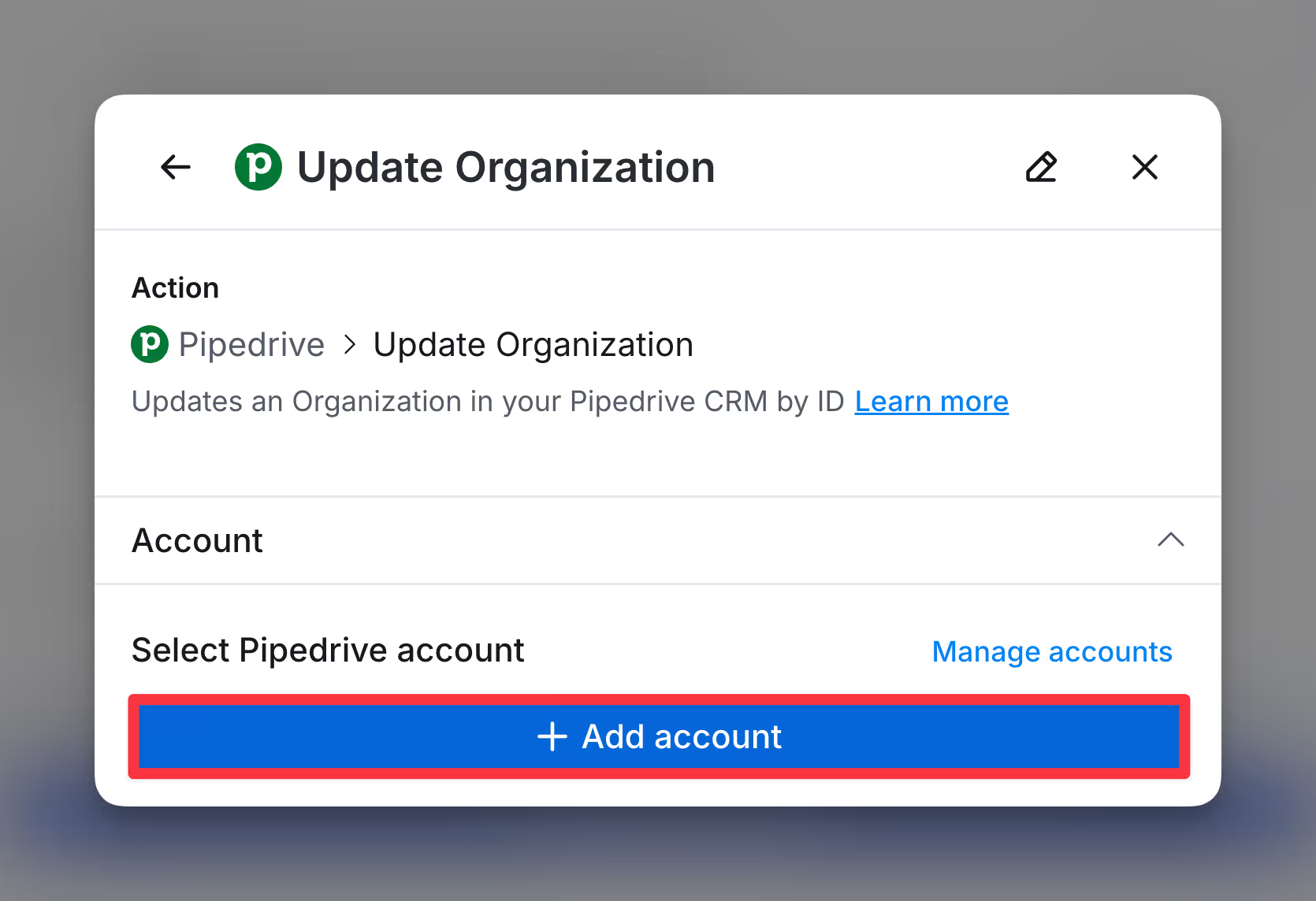
From there you will be prompted to sign into Pipedrive to connect your account.
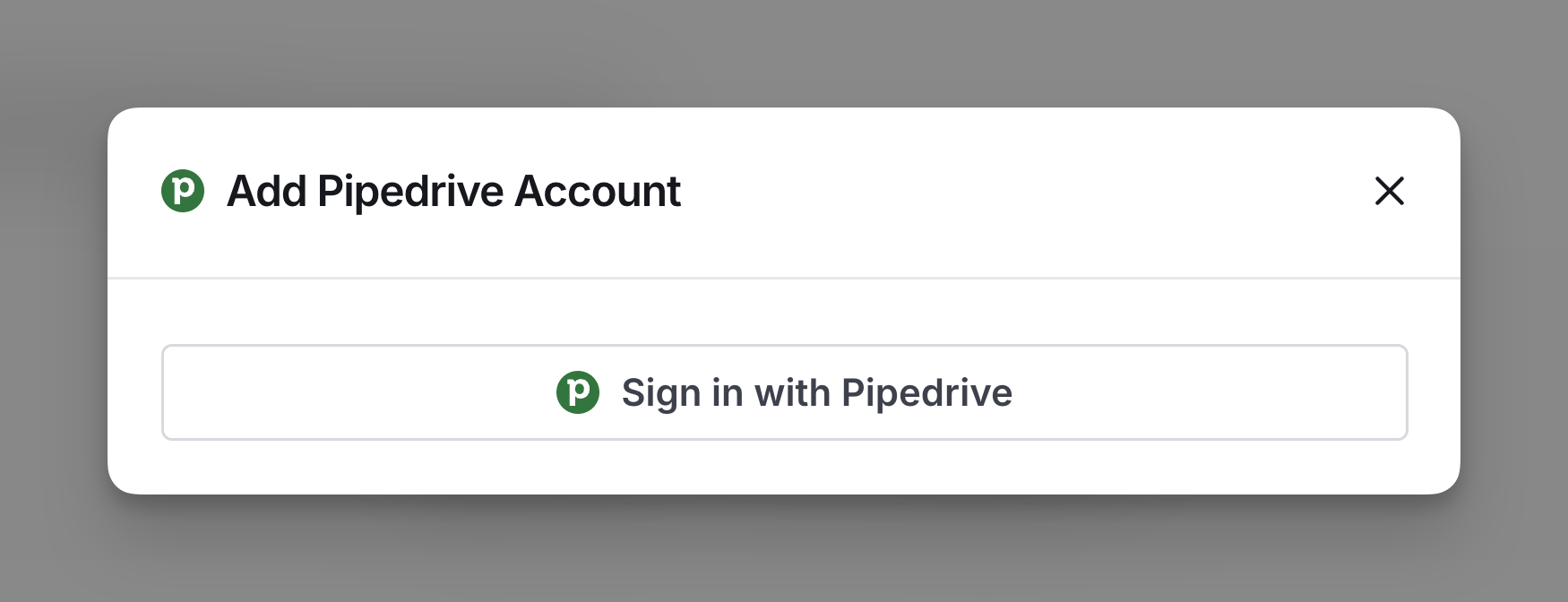
Method 2: Connect Pipedrive account through Clay settings:
Navigate to Settings > Connections in your Clay dashboard.

Click on Add Connection and select Pipedrive from the list.
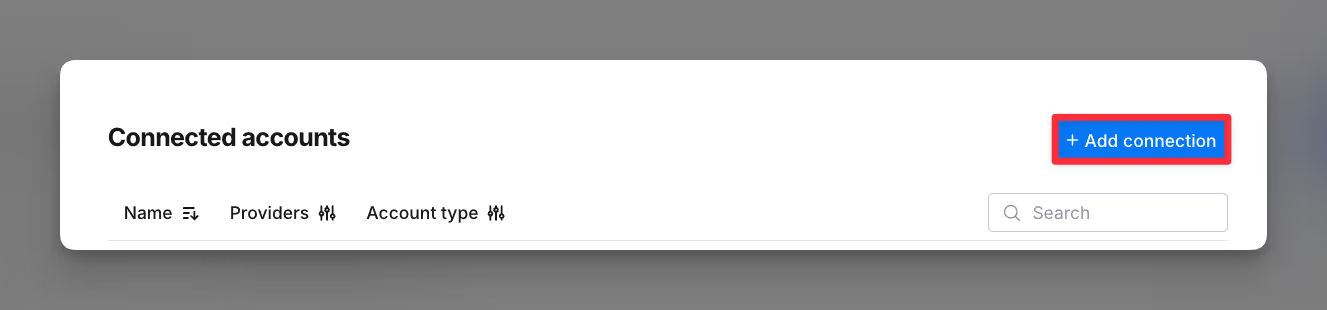
From there you will be prompted to sign into Pipedrive to connect your account.
Available actions with the Pipedrive integration
Clay’s integration with Pipedrive enables you to efficiently manage your data by allowing you to look up, create, and update people and organizations. When performing these actions, your custom fields in Pipedrive are all accessible within the platform.
Action Lookup Person
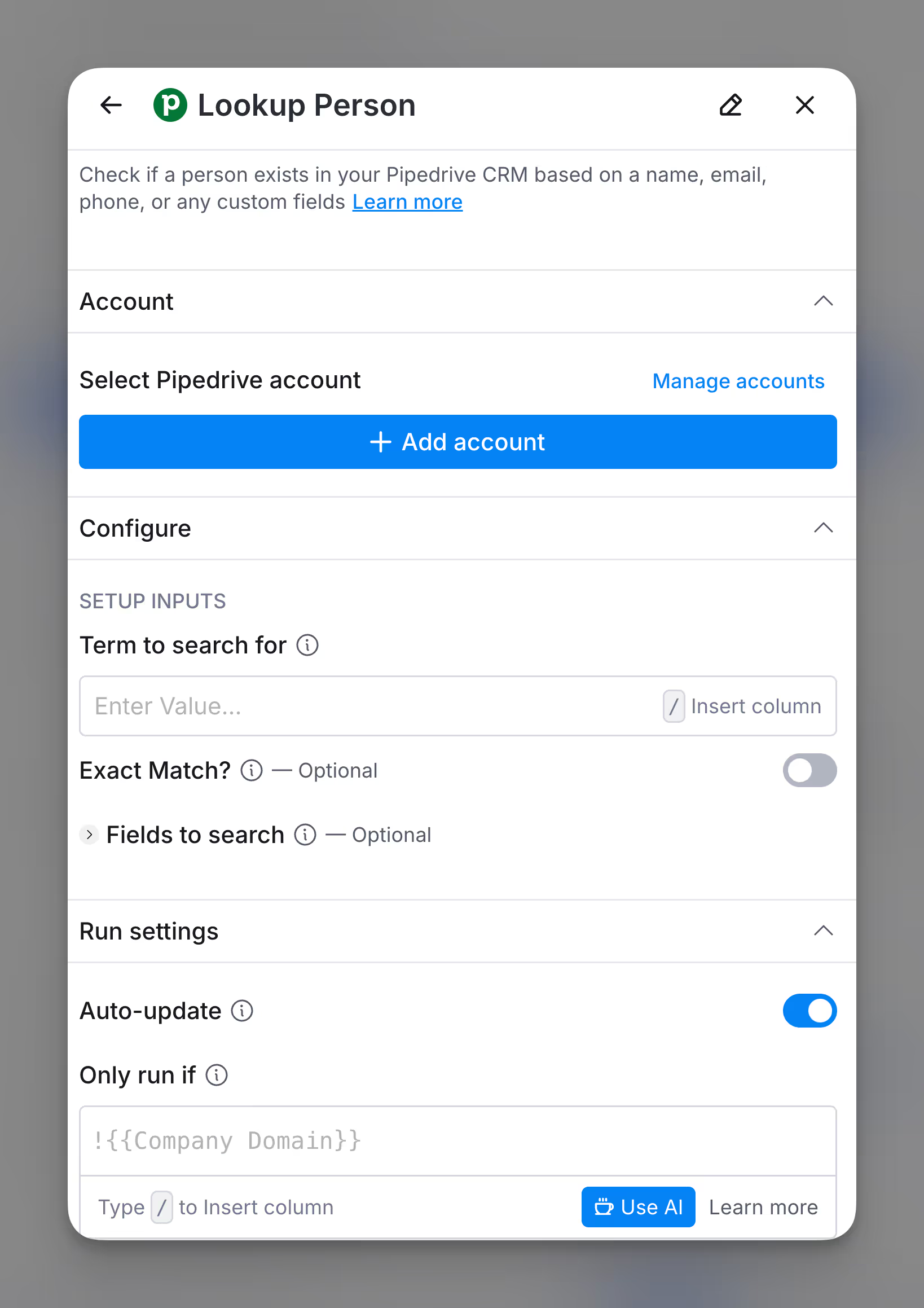
Retrieve a contact in Pipedrive by searching for a name, email, phone number, or custom field.
Input Fields:
- Term to search for: The value to search within Pipedrive (e.g., name, email).
- Exact Match?: Only return exact matches. Defaults to false.
- Fields to search: Specify which fields to search. Defaults to all fields.
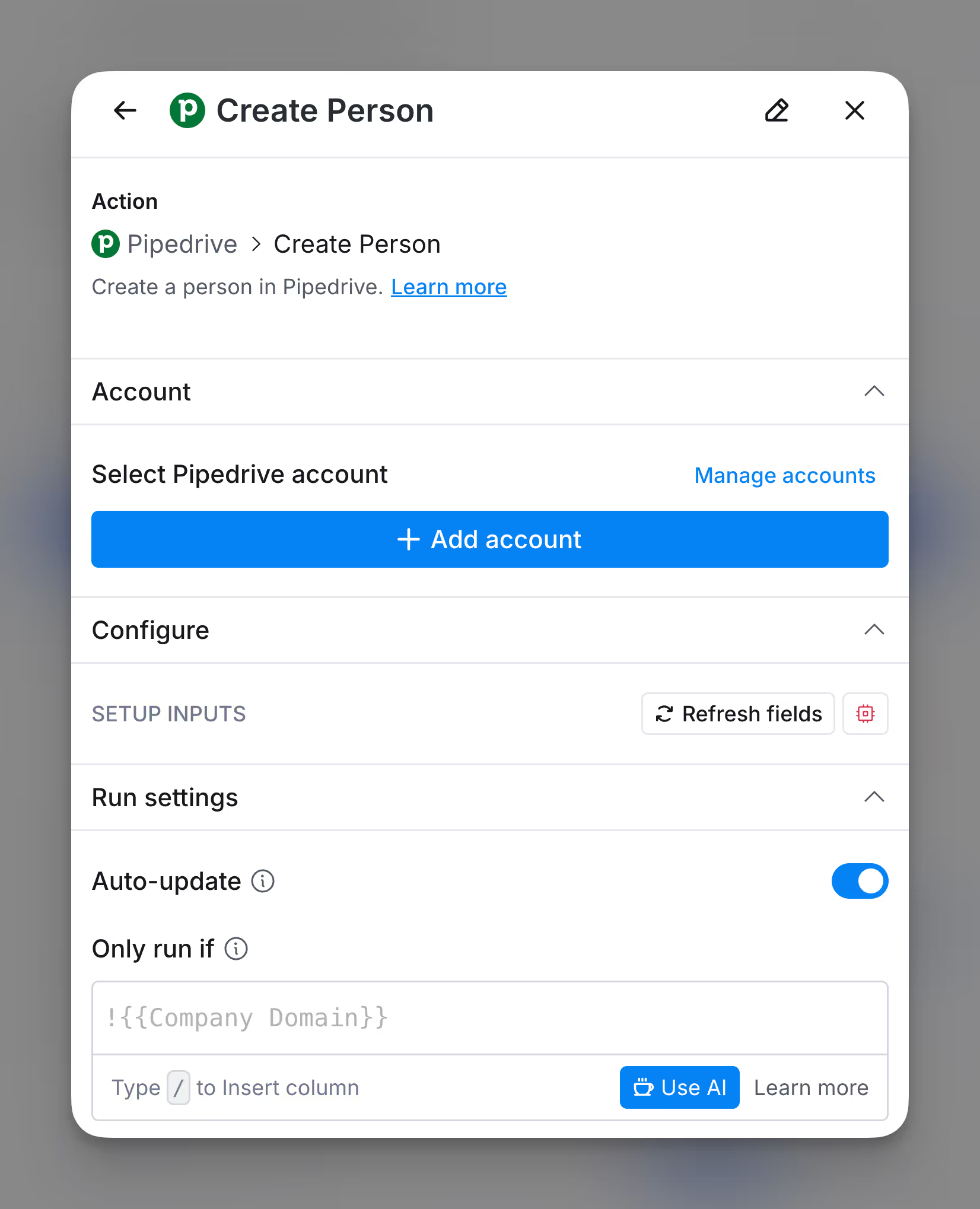
Action Create Person
Add a new contact to your Pipedrive directly from Clay.
Input Fields:
- Name: The name of the person to add.
- Email: The email address of the new contact.
- Phone: The phone number of the new contact.
- Organization: The organization associated with the new contact.
Action Update Person
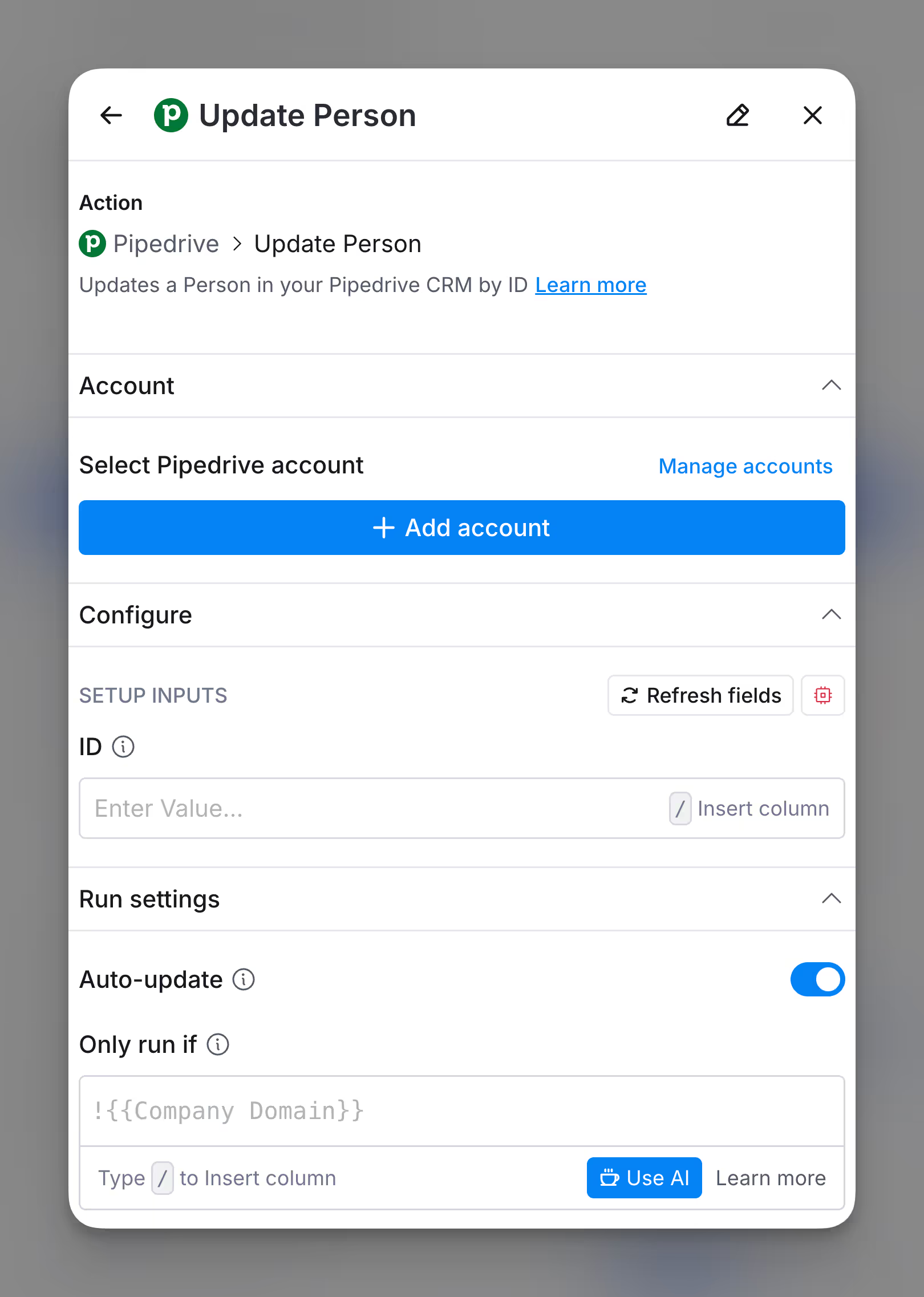
Update an existing contact in Pipedrive using the contact’s ID.
Input Fields:
- ID: The unique ID of the person in Pipedrive.
- Fields to Update: Specify fields and values to update (e.g., name, email).
Action Lookup Organization
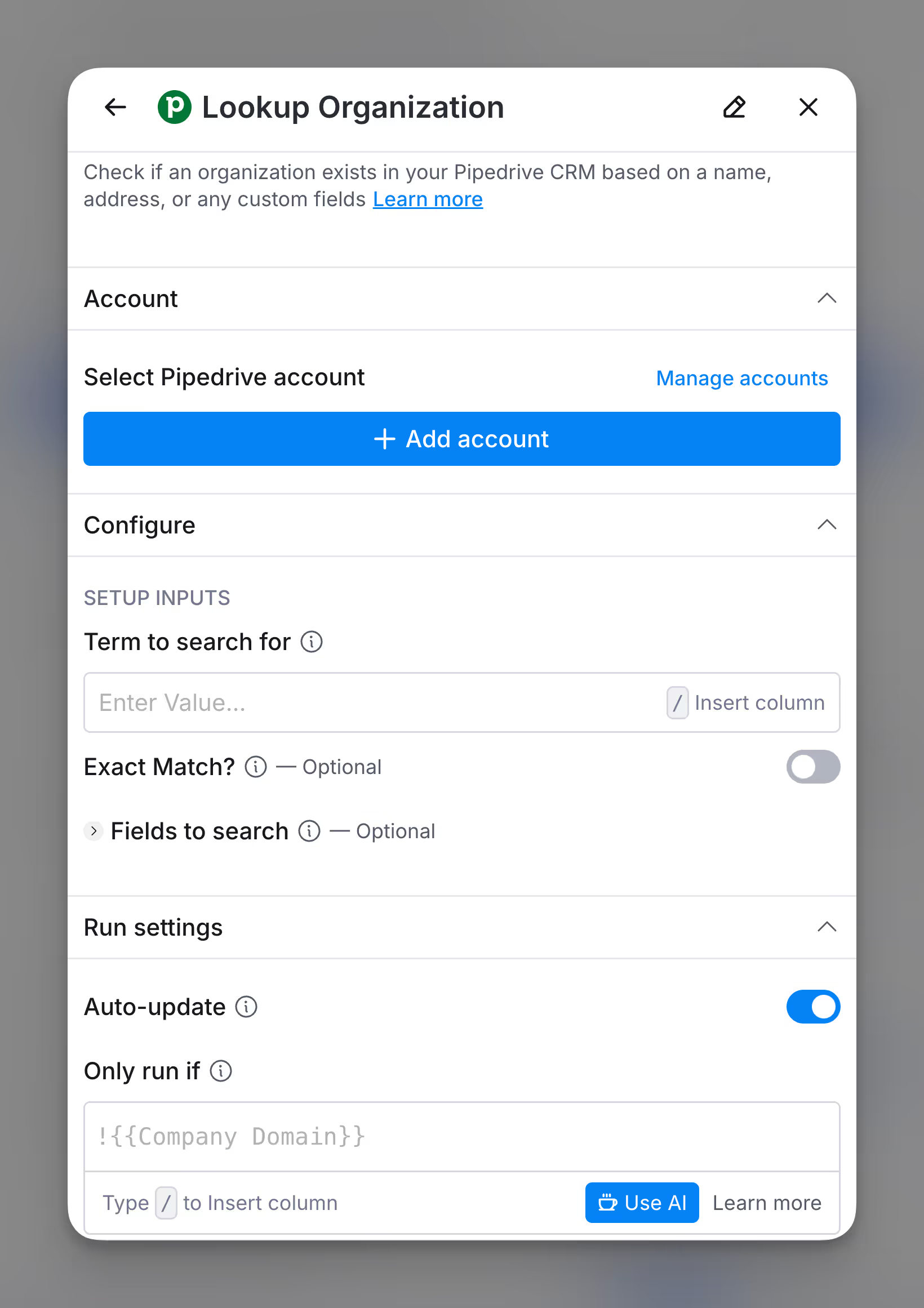
Retrieve a contact in Pipedrive by searching for a name, email, phone number, or custom field.
Input Fields:
- Term to search for: The value to search within Pipedrive (e.g., name, email).
- Exact Match?: Only return exact matches. Defaults to false.
- Fields to search: Specify which fields to search. Defaults to all fields.
Action Create Organization
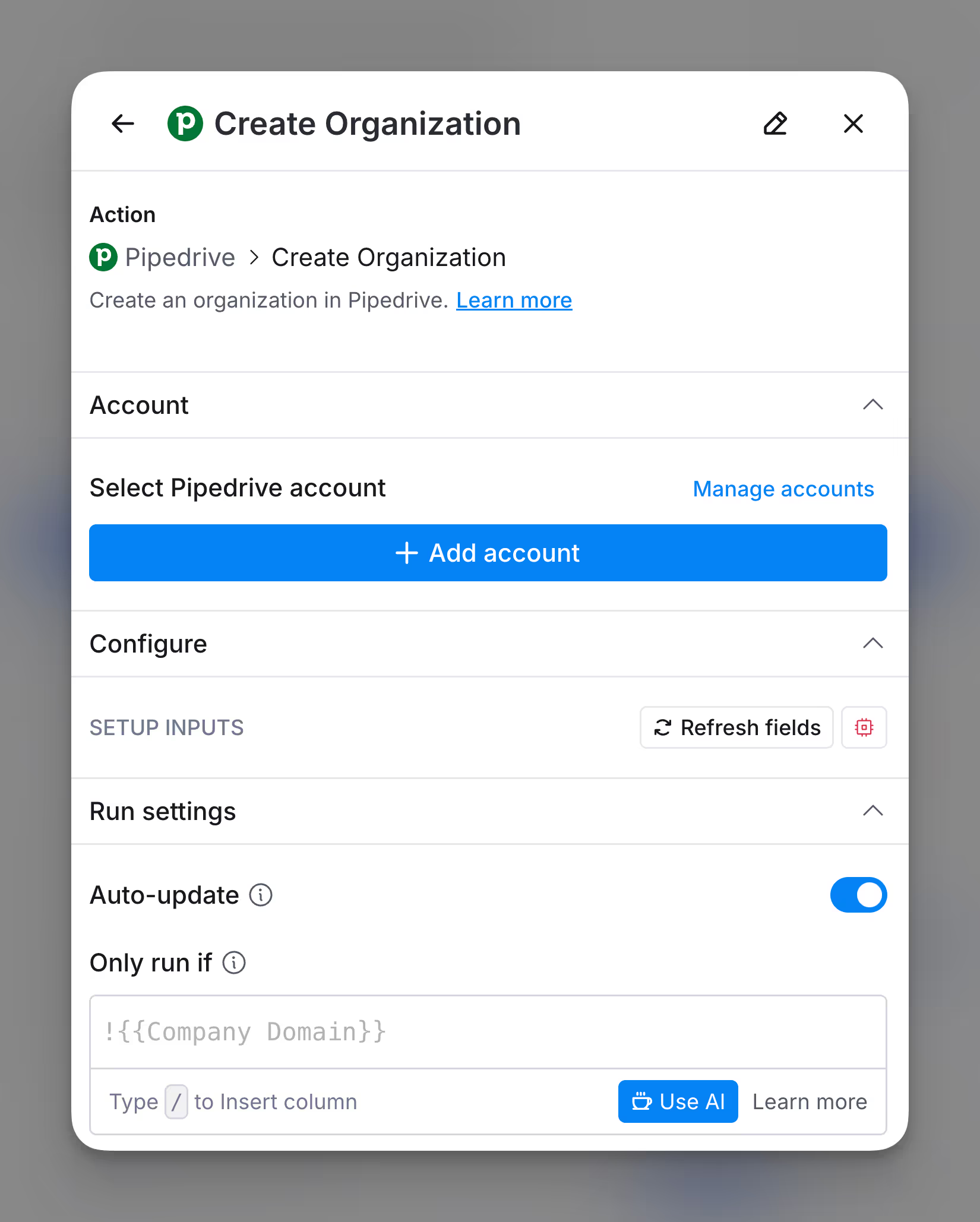
Create a new organization in Pipedrive directly from Clay.
Input Fields:
- Name: The name of the organization.
- Address: The address of the organization.
- Custom Fields: Any additional fields and values for the organization.
Action Update Organization
Update an existing organization in Pipedrive using the organization’s ID.
Input Fields:
- ID: The unique ID of the organization in Pipedrive. You can use Lookup Organization action to find the ID.
- Account Fields: The fields available for updating will appear based on the specific fields configured in your Pipedrive instance.

Explore other docs
Other popular resources
Join a cohort, learn Clay fast!
The faster way to master Clay. Sign in if you're enrolled in a cohort (current or past) or apply!
Hire GTME Talent
Find and connect with GTM talent who've demonstrated expertise in building advanced workflows