




What is Lavender?
Lavender’s email rating tool provides a quality score for your emails, helping you gauge their effectiveness at a glance.
Aim for a score of 90 or above to increase your chances of a response.
How do you use Lavender?
To use Lavender, simply access it through the enrichment panel. Each enriched cell will automatically use 1 credit, managed directly through your Clay account.
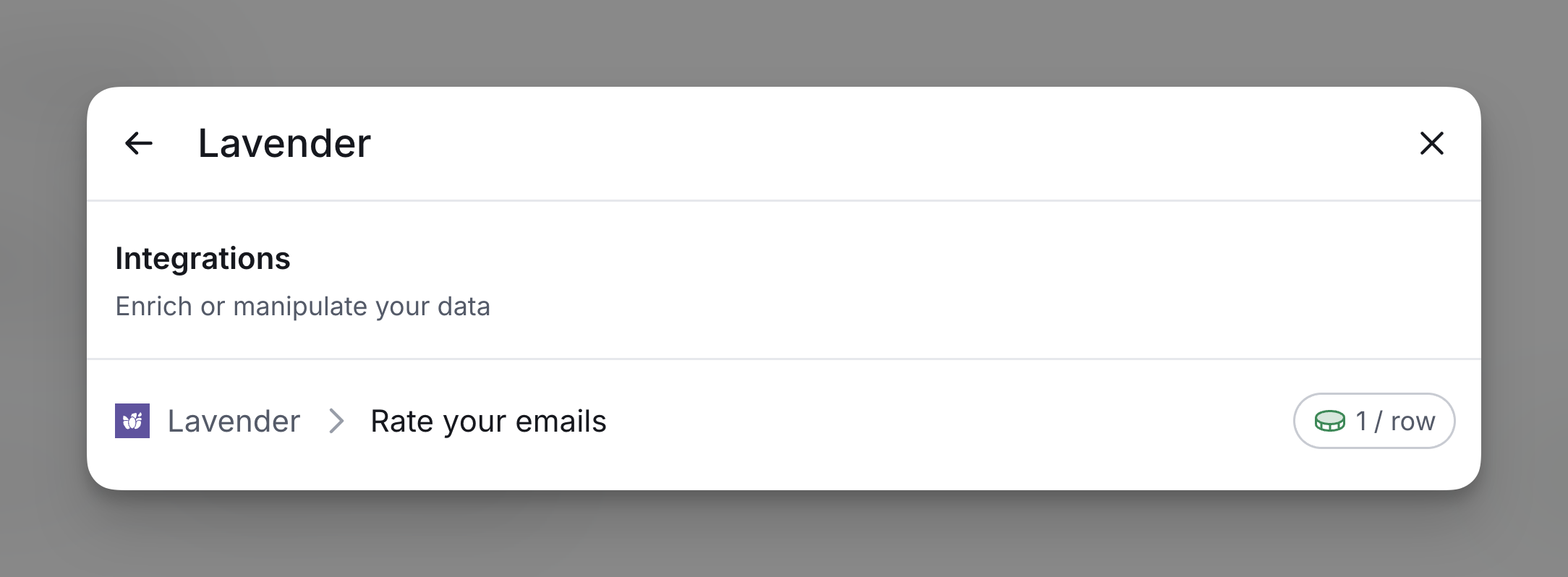
Step 1: Select the Rate your emails action
You can access Lavender from the enrichment search bar.
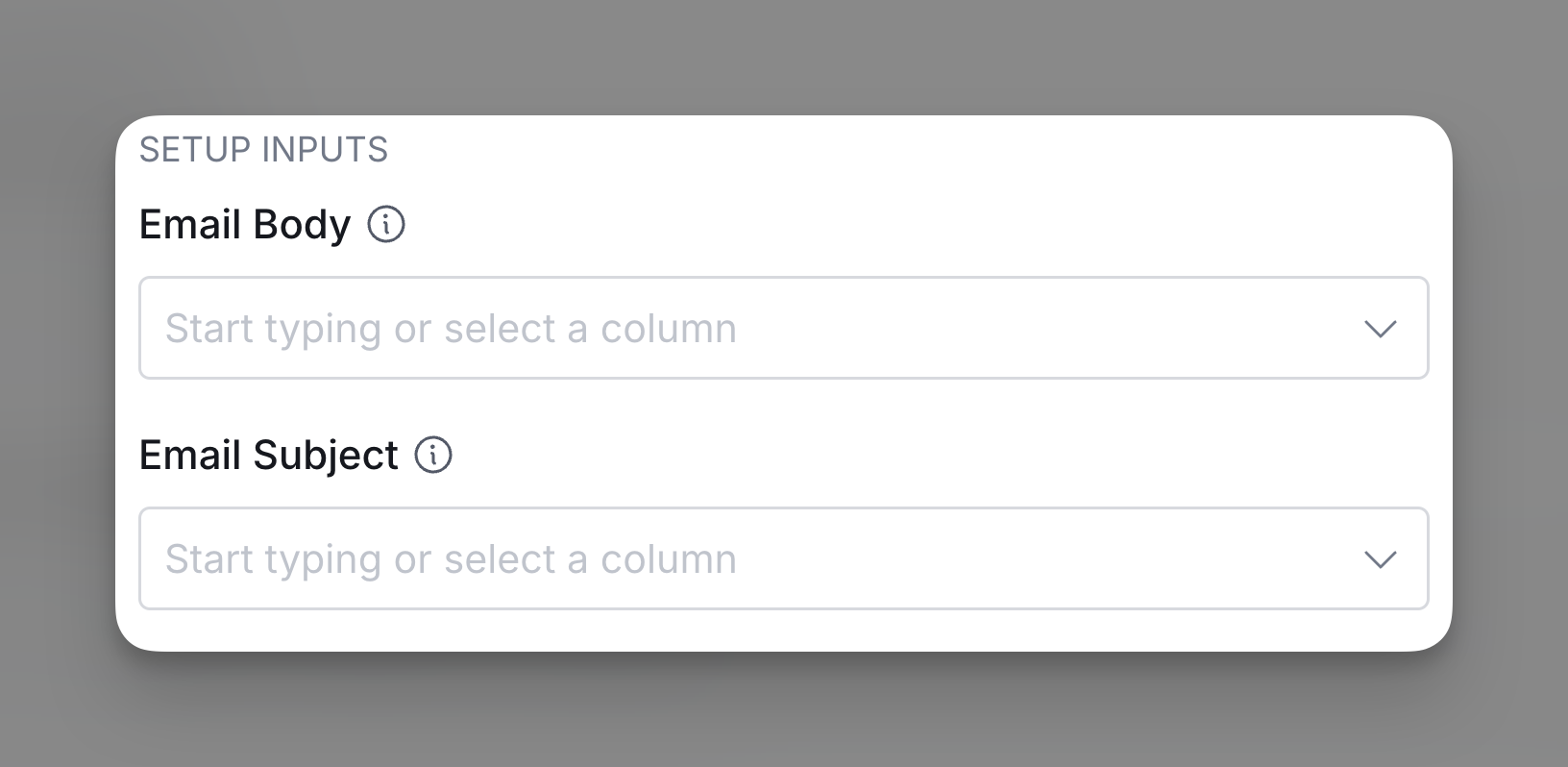
Step 2: Input the email components
Input the email body and email subject to recieve the score of the email.
Step 3: Configure run settings
Auto-update: Lavender will automatically enrich any new rows that get added to the table. Learn more about auto-update in this this brief guide.
Conditional runs: To run enrichment only under specific conditions, use formulas that trigger the column when the formula is true. See this Clay University lesson.

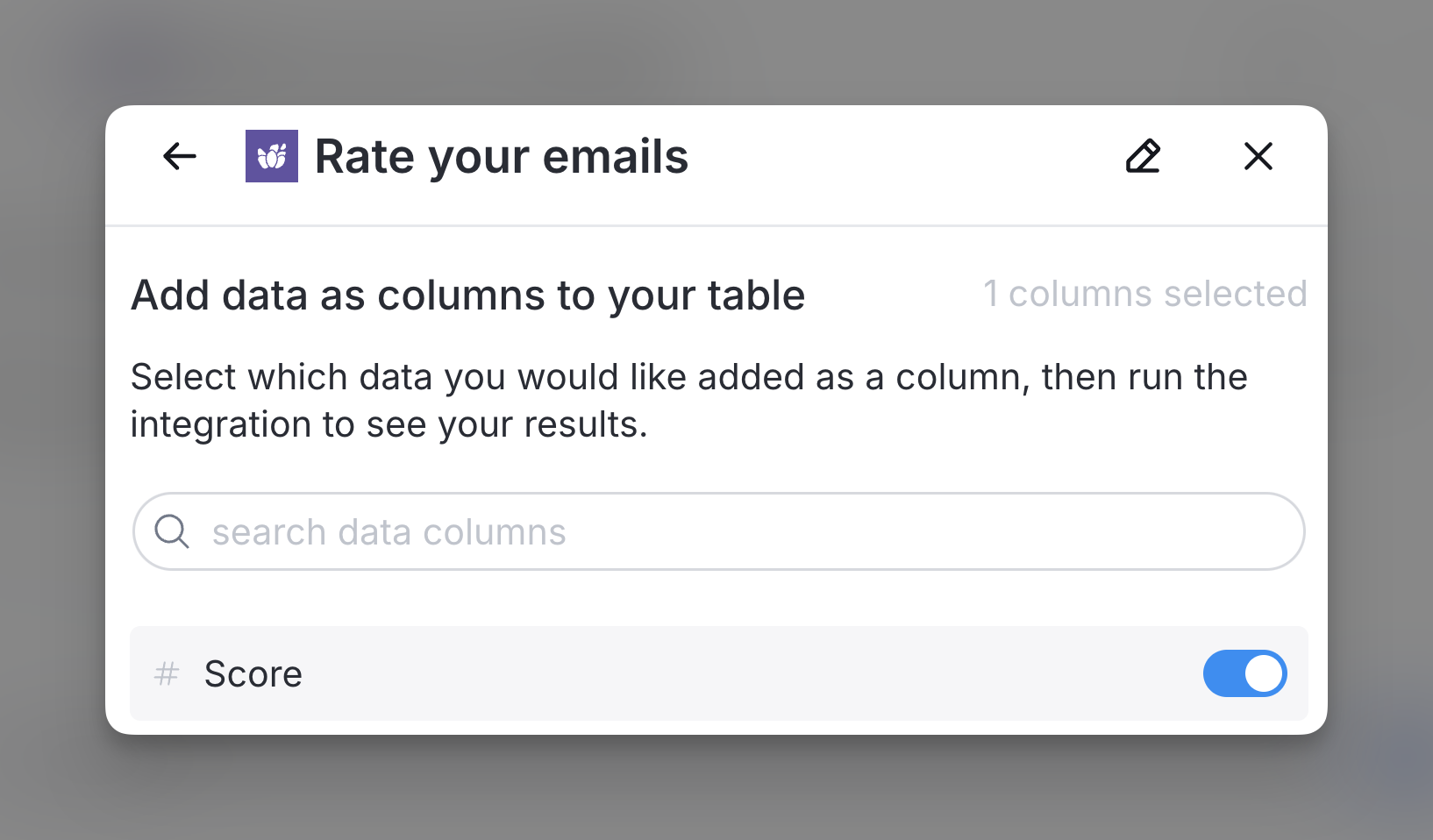
Step 4: Choose data to add as columns to table
Select which data from the enrichment you’d like to add as columns to your table. Even if you choose not to add columns at this point, the enriched data will still be available and accessible for later use.
Explore other docs
Other popular resources
Join a cohort, learn Clay fast!
The faster way to master Clay. Sign in if you're enrolled in a cohort (current or past) or apply!
Hire GTME Talent
Find and connect with GTM talent who've demonstrated expertise in building advanced workflows