




What is Glassdoor?
The Glassdoor integration provides company insights based off the Glassdoor website.
The endpoints provided including key details such as:
- Company type
- Domain
- Founding year
- Revenue
- Industry
- Location
- Employee count
- Competitor information
How do you use Glassdoor?
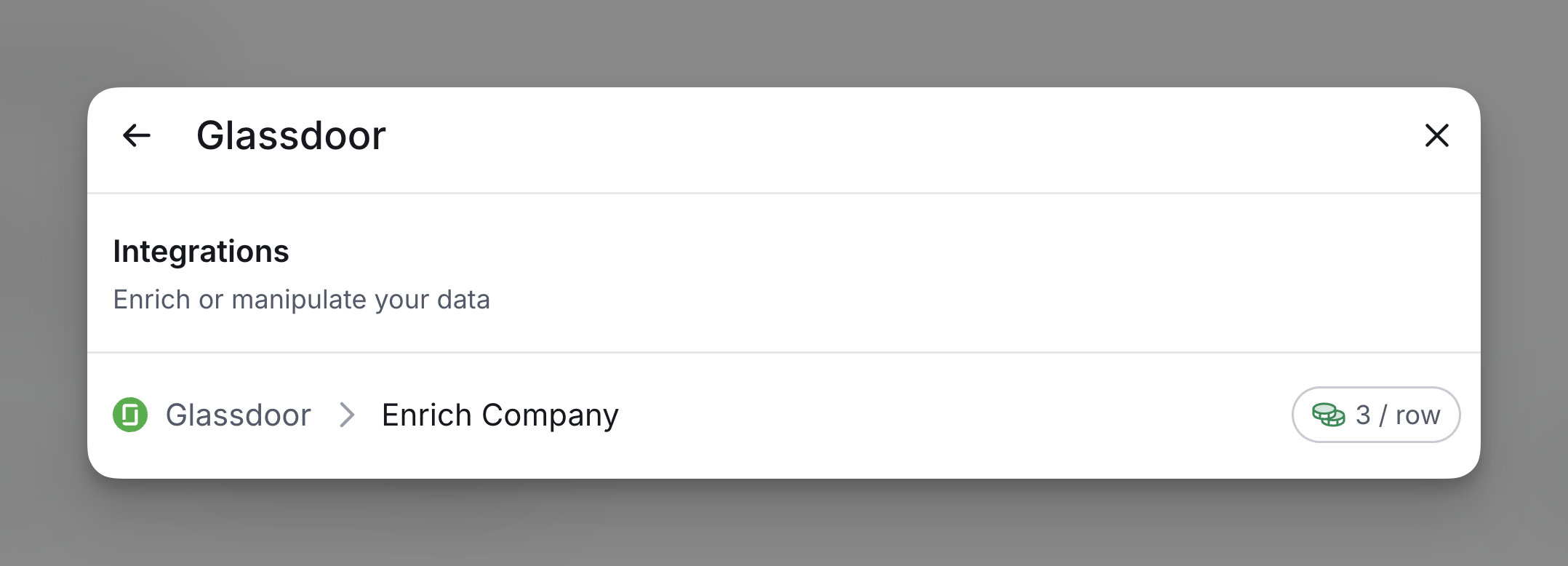
To use Glassdoor, simply access it through the enrichment panel. Each enriched cell will automatically use 3 credit, managed directly through your Clay account.
Step 1: Select the Enrich Company action
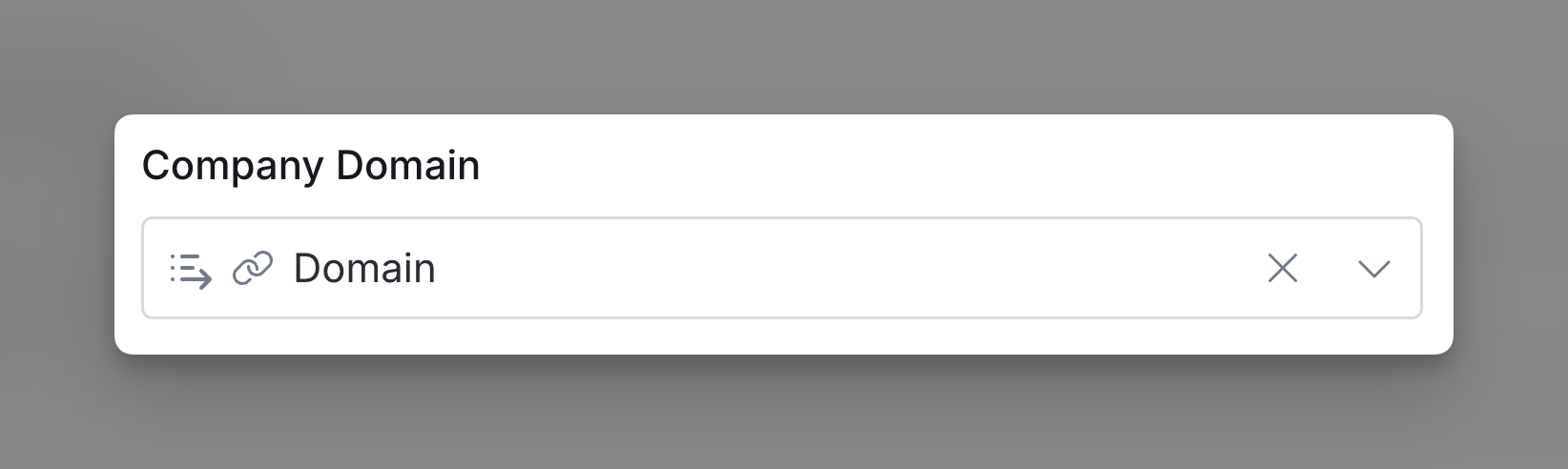
Step 2: Input company domain
Input the company domain you want to enrich.
Step 3: Configure run settings
Auto-update: Glassdoor will automatically enrich any new rows that get added to the table. Learn more about auto-update in this this brief guide.
Conditional runs: To run enrichment only under specific conditions, use formulas that trigger the column when the formula is true. See this Clay University lesson.

Explore other docs
Other popular resources
Join a cohort, learn Clay fast!
The faster way to master Clay. Sign in if you're enrolled in a cohort (current or past) or apply!
Hire GTME Talent
Find and connect with GTM talent who've demonstrated expertise in building advanced workflows