




Coda Overview
The Coda integration lets you sync data within your Clay table with your Coda bases. With this integration you’re able to:
- Lookup Row
- Create or Upsert Row
Setting up Coda and Clay
To get set up, you’ll need to add your Coda account to Clay from either the enrichment panel or the Settings > Connections page.
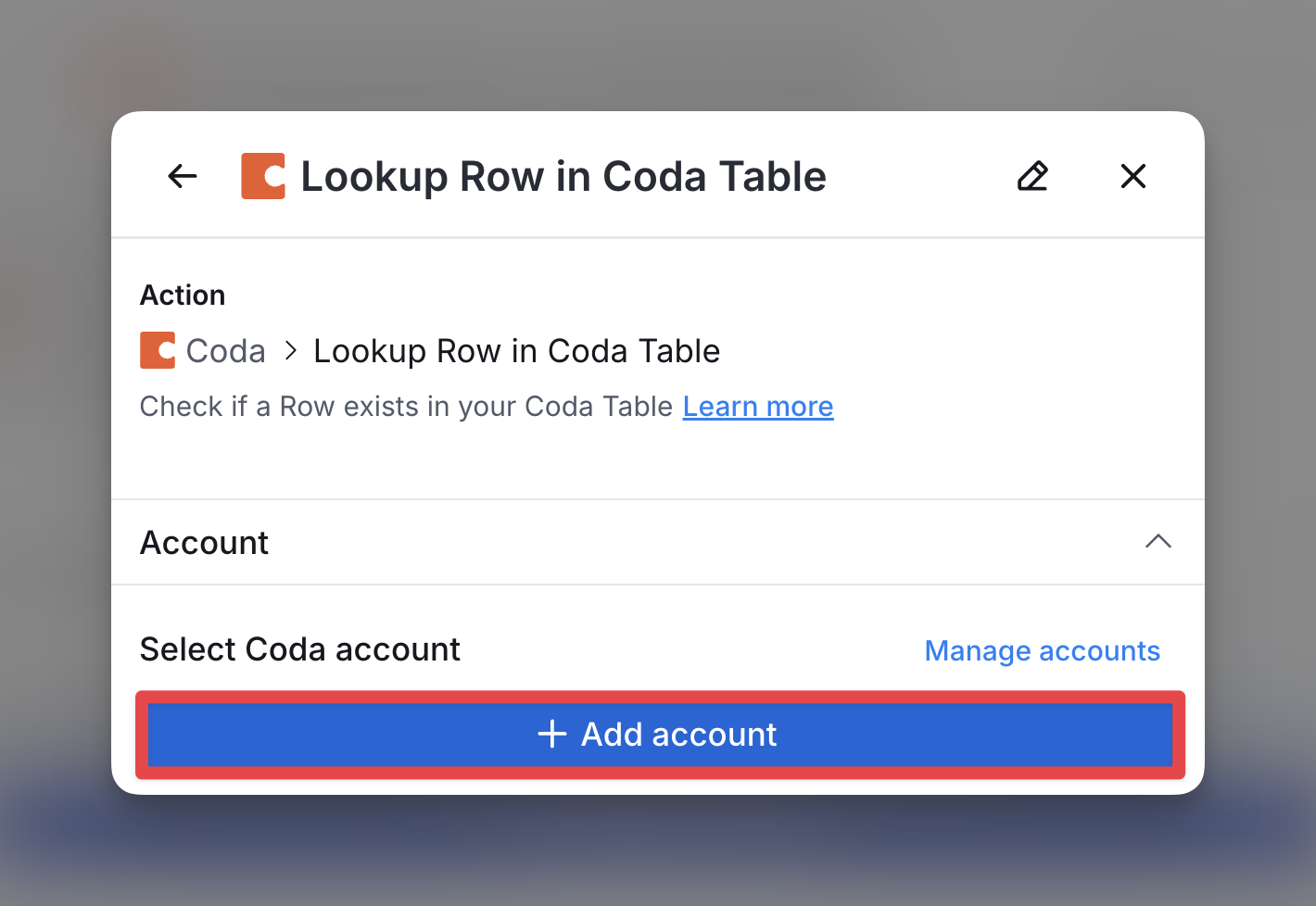
You’ll add your account by entering your API token which can be obtained from My account in Coda.
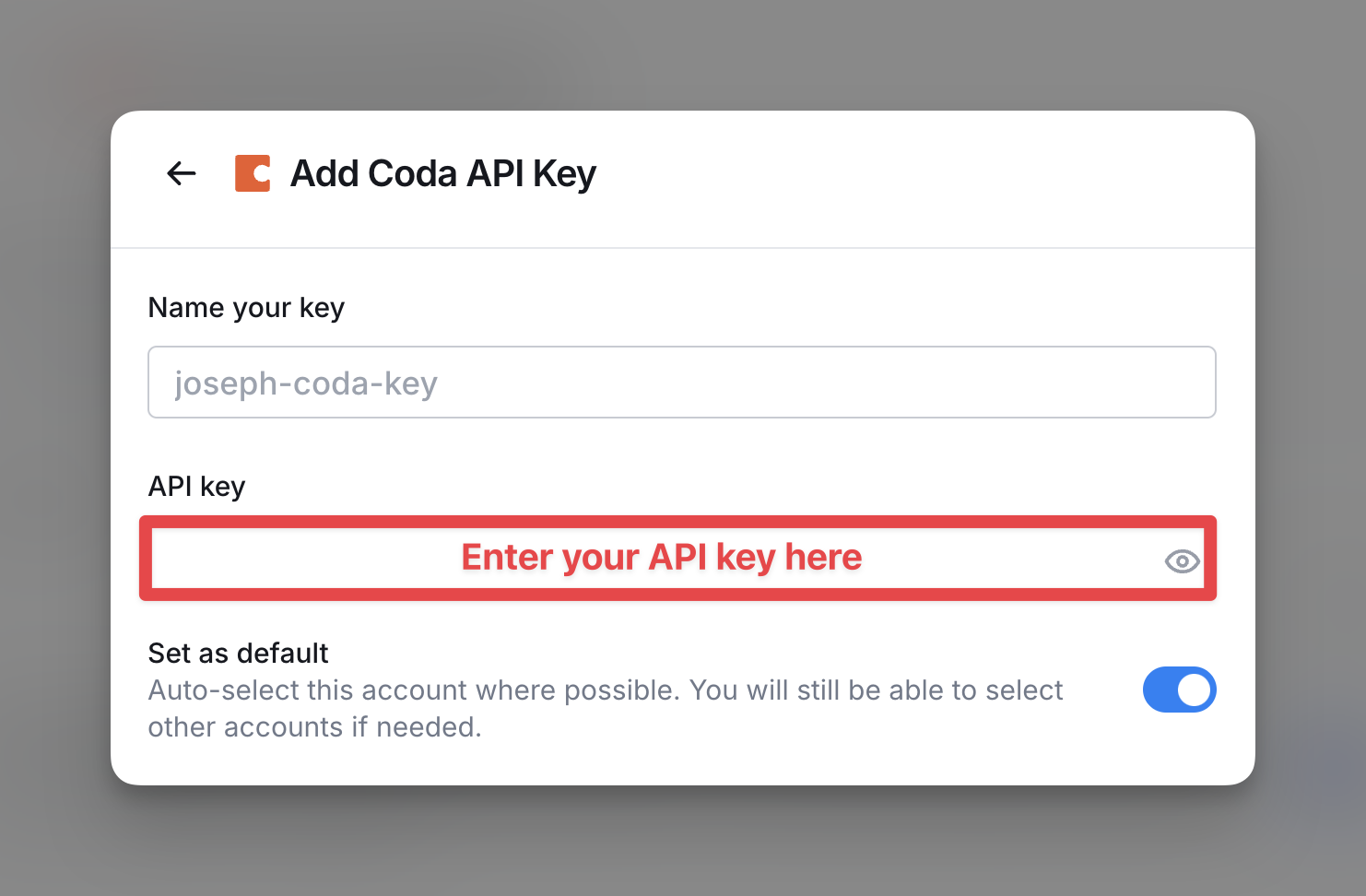
Make sure your linked Coda account has the right level of access to the tables you want to connect with Clay.
Available Actions with the Coda Integration
Action Lookup Row
Create and push a new record to your Coda directly from Clay.
Input Fields:
- Doc ID (Required): The ID for the Coda Doc containing the table.
- Table ID (Required): The ID for the Coda Table to search.
- Lookup Criteria: Specify fields or conditions to identify the row to look up.
Action Create or Upsert Row
Create or upsert a new row in a Coda Table directly from Clay.
Input Fields:
- Doc ID (Required): The ID for the Coda Doc containing the table.
- Table ID (Required): The ID for the Coda Table to use.
- Additional Fields: Specify any other fields and values to include or update.
Explore other docs
Other popular resources
Join a cohort, learn Clay fast!
The faster way to master Clay. Sign in if you're enrolled in a cohort (current or past) or apply!
Hire GTME Talent
Find and connect with GTM talent who've demonstrated expertise in building advanced workflows