




Wiza Integration Overview
The Wiza integration with Clay enables users to quickly find and verify contact information for outreach. Leveraging Wiza’s LinkedIn-powered database, you can:
- Find verified emails
- Find phone numbers for prospects based on their name, title, or company.
Connecting Wiza with Clay
You can use Wiza in Clay two ways.
Option 1: Use the Clay-managed Wiza account
By default, Wiza enrichments in Clay use the Clay-managed Wiza account, which charges the designated credit amount for each enrichment.
To utilize this, simply open any Wiza enrichment within Clay.
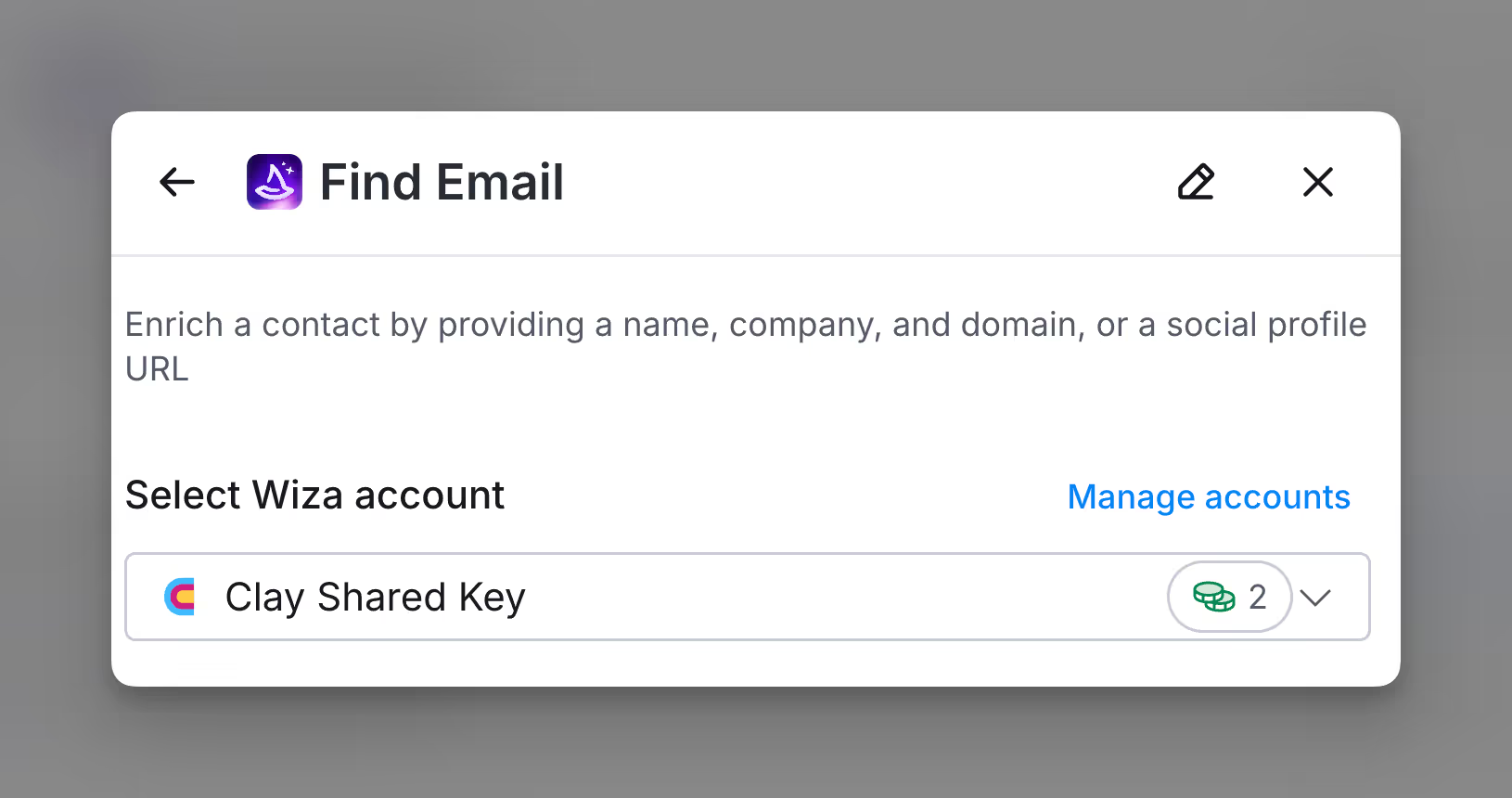
Option 2: Use your own Wiza API key
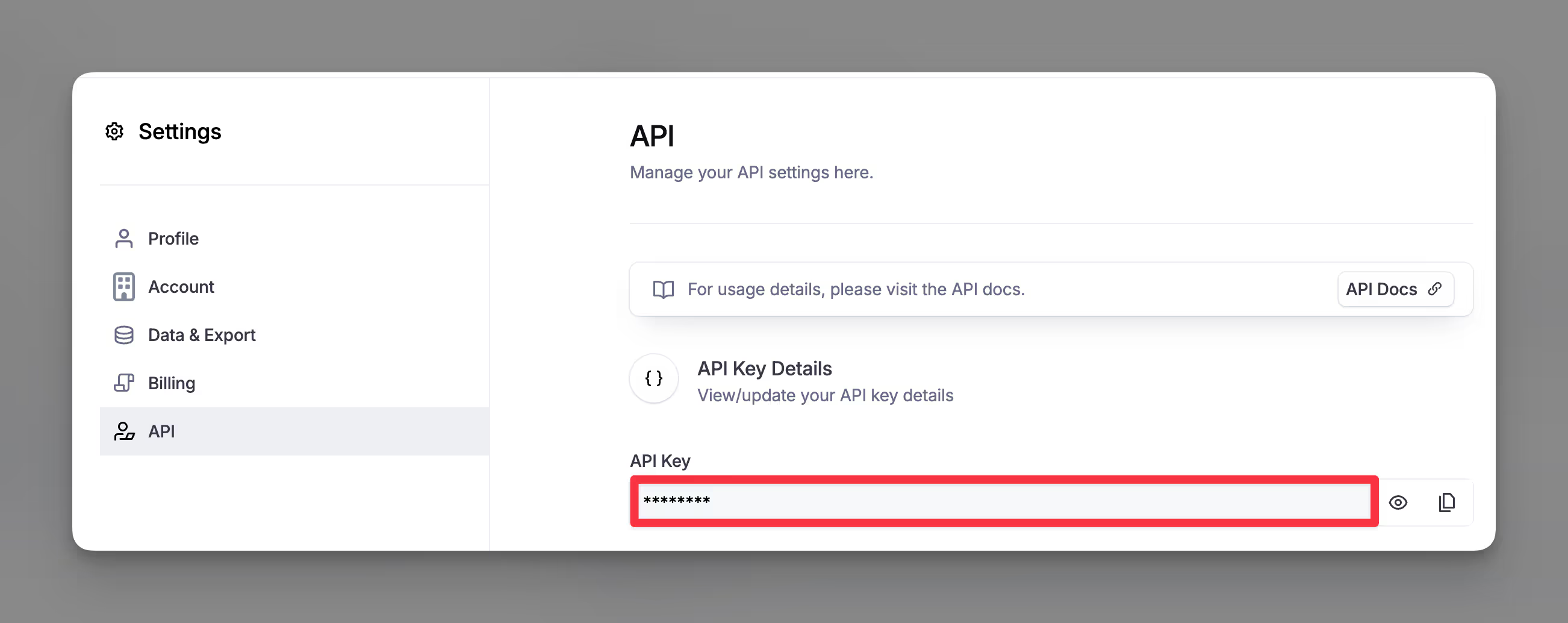
If you are currently on paid plan (Starter, Explorer, Pro) you can use your own Wiza account within Clay through an API key.
To access your Wiza API key, head over to Settings > API
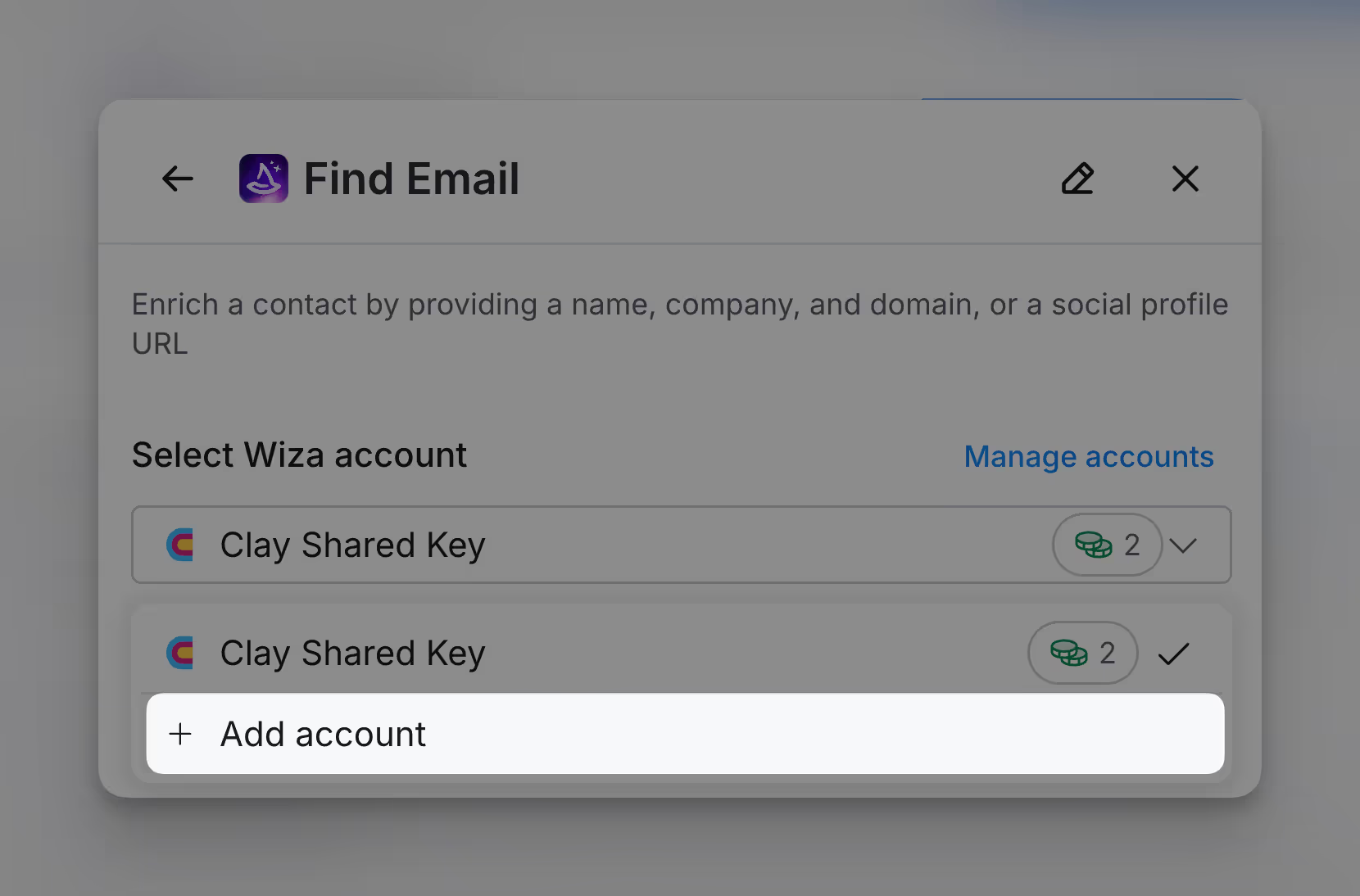
You can add your Wiza API key to Clay within the enrichment panel. The image below shows where to add your API key in the enrichment panel.
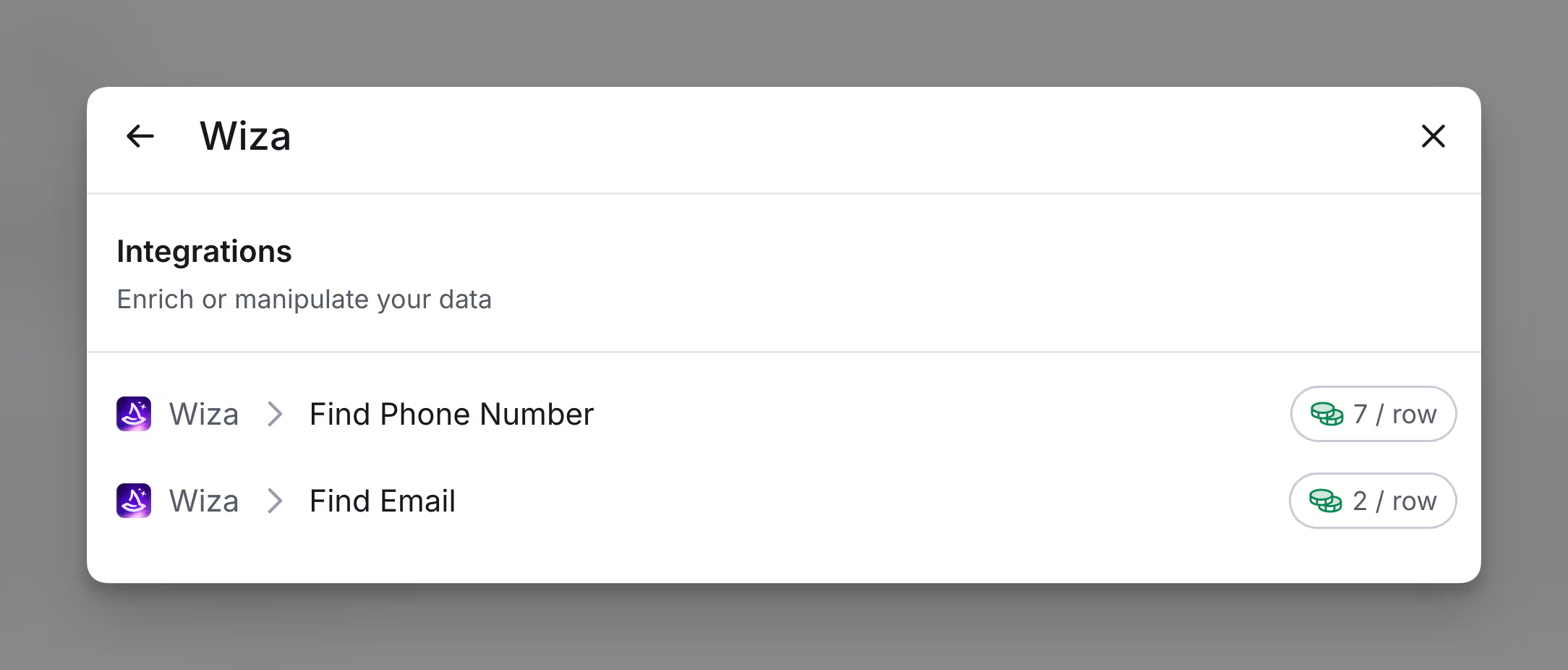
Wiza integrations within Clay
You can run two integrations with Wiza within Clay.
- Find Phone Number
- Find Email
Action Find Email
The Find Email action helps enrich a contact by providing a name and company/domain, or a social profile URL.
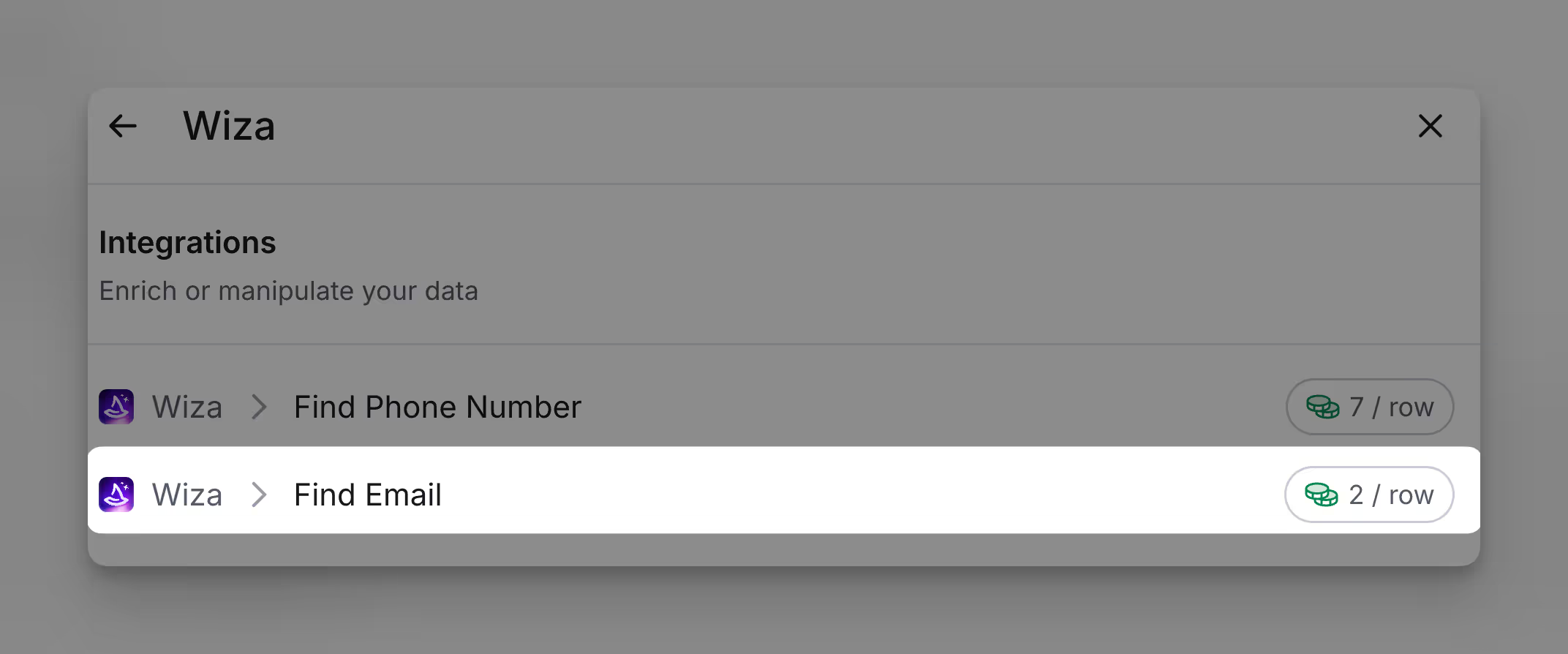
Step 1: Select Find Email action
Access the actions through the integration panel.
Step 2: Select Wiza account
Proceed with either a Clay-managed or a personal account.
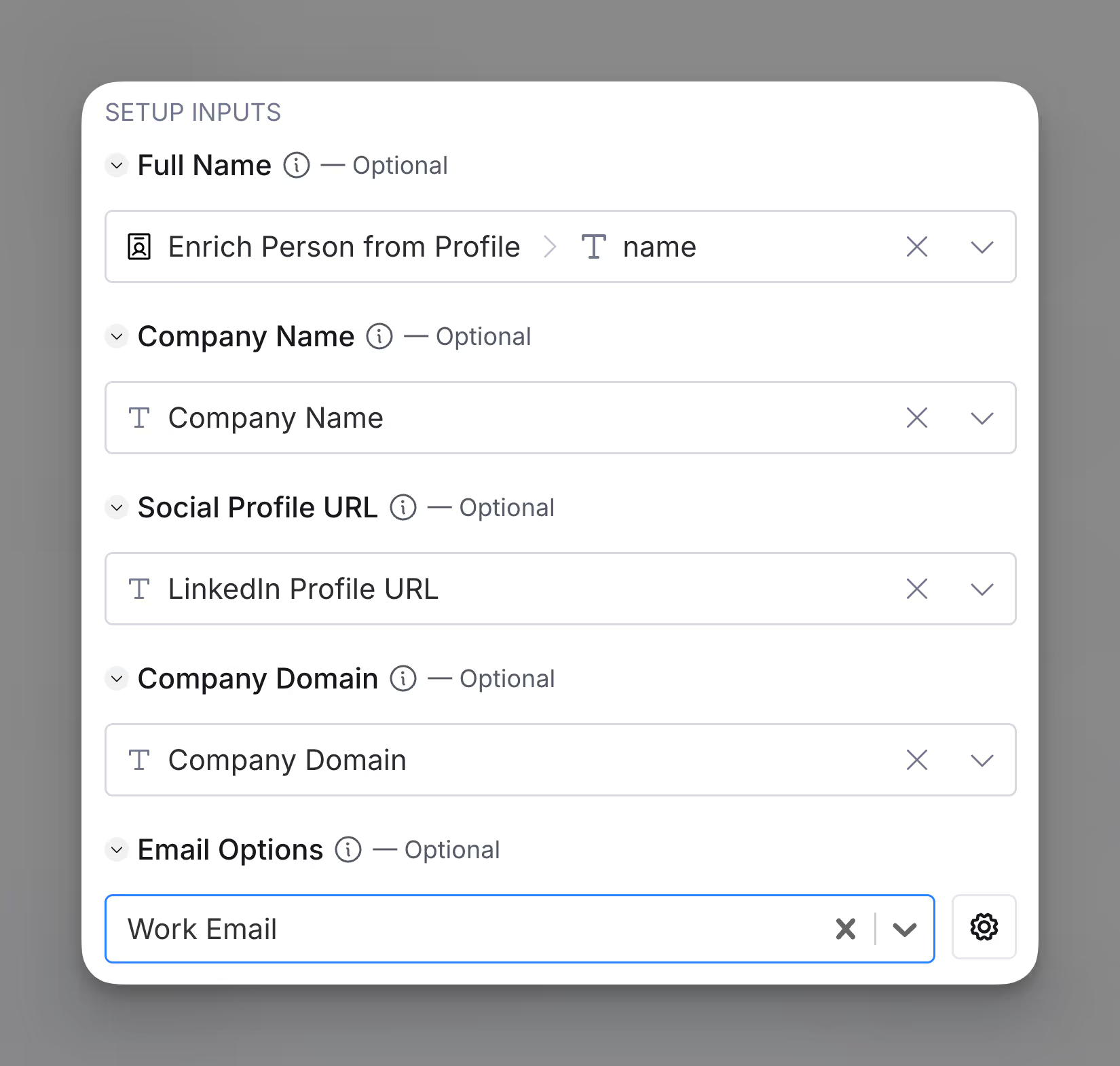
Step 3: Provide name and company/domain OR social profile URL
Please provide either the full name and company domain or the LinkedIn URL.
Step 4: Configure run settings
Auto-update: Wiza will automatically enrich any new rows that get added to the table. Learn more about auto-update in this this brief guide.
Conditional runs: To run enrichment only under specific conditions, use formulas that trigger the column when the formula is true. See this Clay University lesson.

Step 5: Choose data to add as columns to table
Select which data from the enrichment you’d like to add as columns to your table. Even if you choose not to add columns at this point, the enriched data will still be available and accessible for later use.

Action Find Phone Number
The Find Phone Number action is used for single contact enrichment by providing a name and company/domain, or a social profile URL.
Step 1: Select Find Email action
Access the actions through the integration panel.

Step 2: Select Wiza account
Proceed with either a Clay-managed or a personal account.
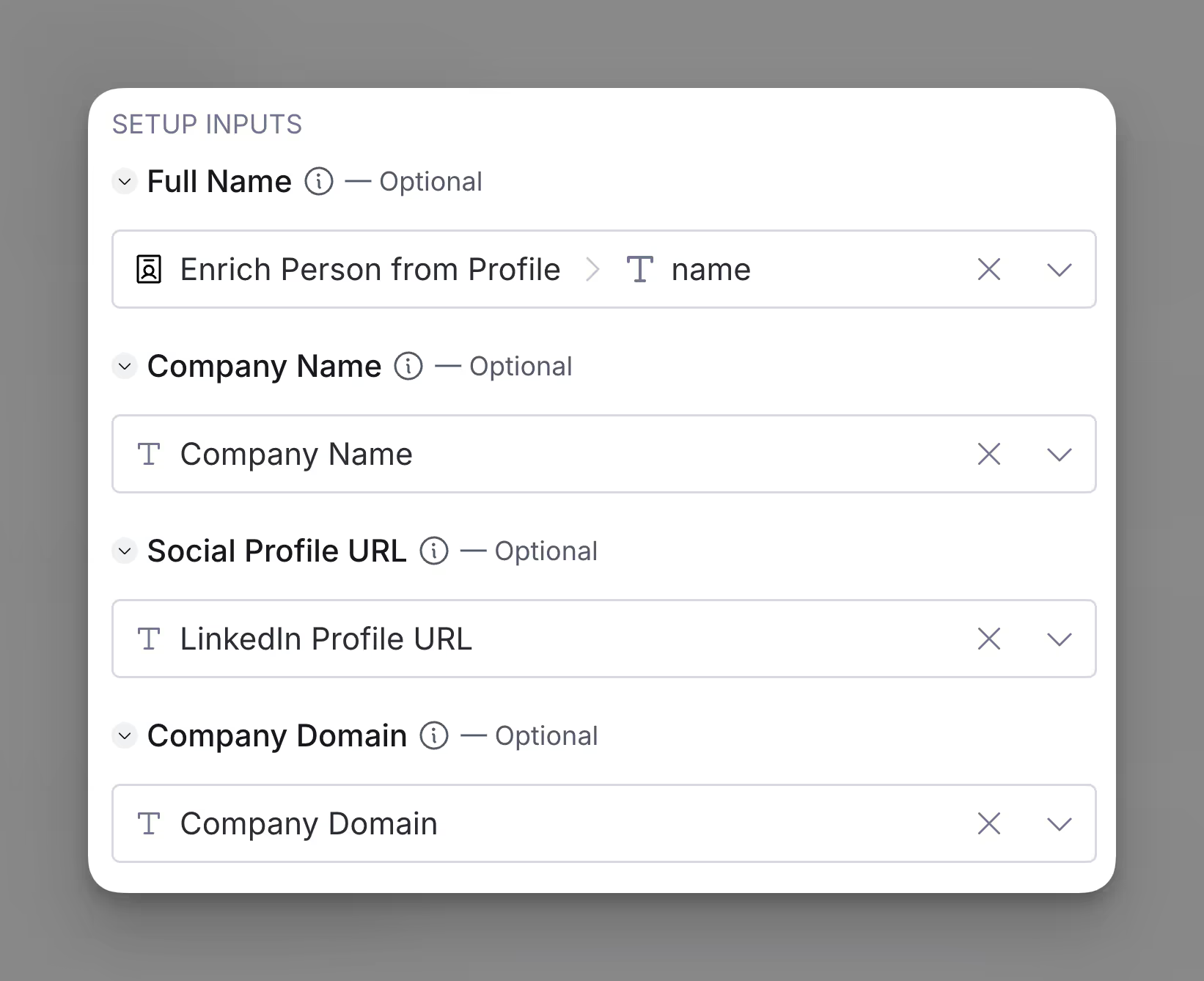
Step 3: Provide name and company/domain OR social profile URL
Please provide either the full name and company domain or the LinkedIn URL.
Step 4: Configure run settings
Auto-update: Wiza will automatically enrich any new rows that get added to the table. Learn more about auto-update in this this brief guide.
Conditional runs: To run enrichment only under specific conditions, use formulas that trigger the column when the formula is true. See this Clay University lesson.
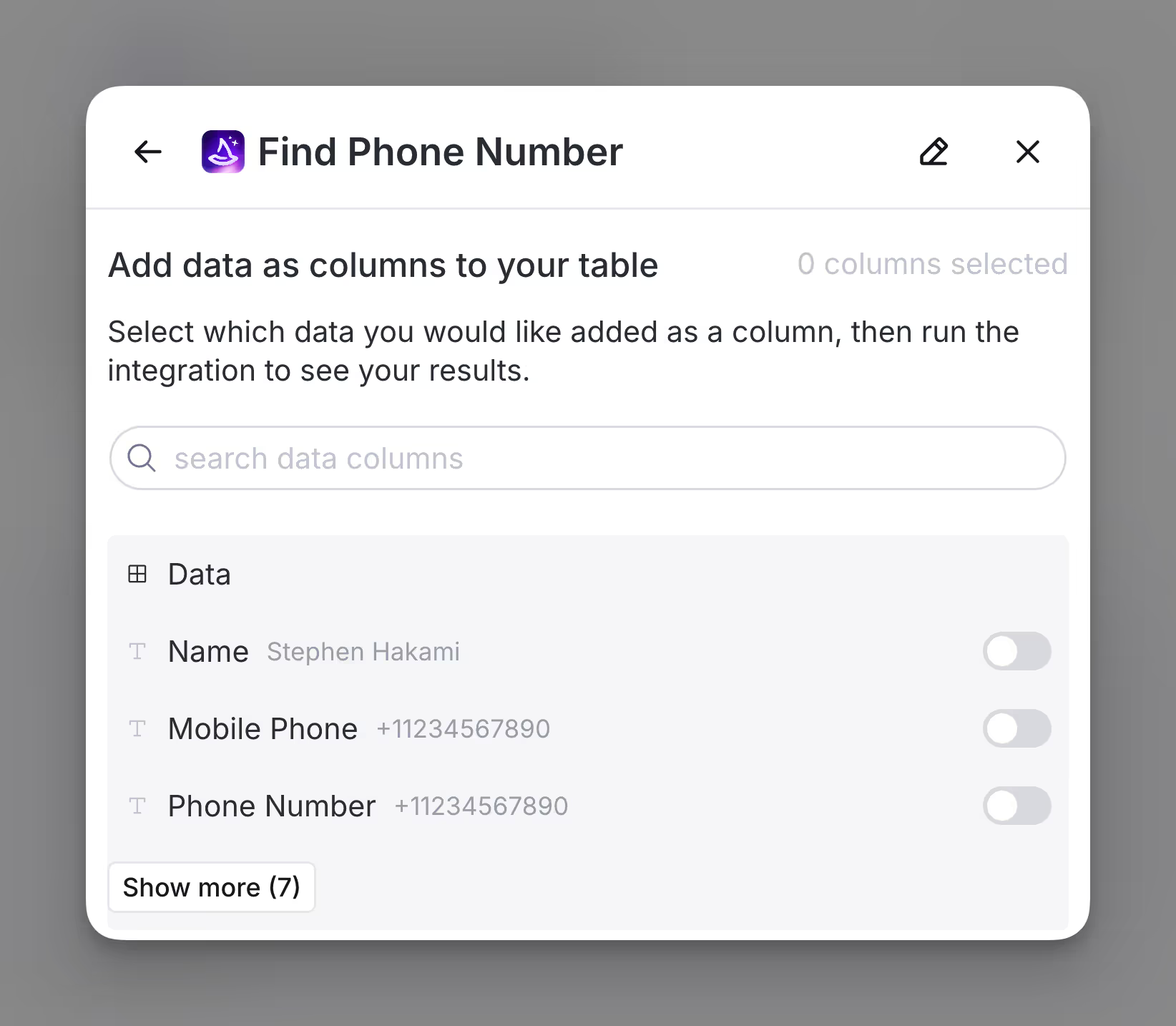
Step 5: Choose data to add as columns to table
Select which data from the enrichment you’d like to add as columns to your table. Even if you choose not to add columns at this point, the enriched data will still be available and accessible for later use.
Explore other docs
Other popular resources
Join a cohort, learn Clay fast!
The faster way to master Clay. Sign in if you're enrolled in a cohort (current or past) or apply!
Hire GTME Talent
Find and connect with GTM talent who've demonstrated expertise in building advanced workflows