




Integration Overview
La Growth Machine in Clay allows users to search for leads by email, LinkedIn URL, or lead ID, and create new leads from LinkedIn URLs.
For the Clay and La Growth Machine integration, here’s a breakdown of the actions available:
- Search Lead: Locate specific leads in La Growth Machine. This can be a LinkedIn URL, Lead ID, or an Email.
- Create or Update Lead: Add new leads or update existing lead information.
Requirements for Setting Up La Growth Machine
To get set up with La Growth Machine, you’ll need to obtain an API key and have an existing Cadence if you want to send leads directly to a Cadence.
Connect La Growth Machine with Clay via an API Key
To set up La Growth Machine within Clay, you’ll need to first obtain a La Growth Machine API Key. You can request for an API key within your Settings > Integrations & API.
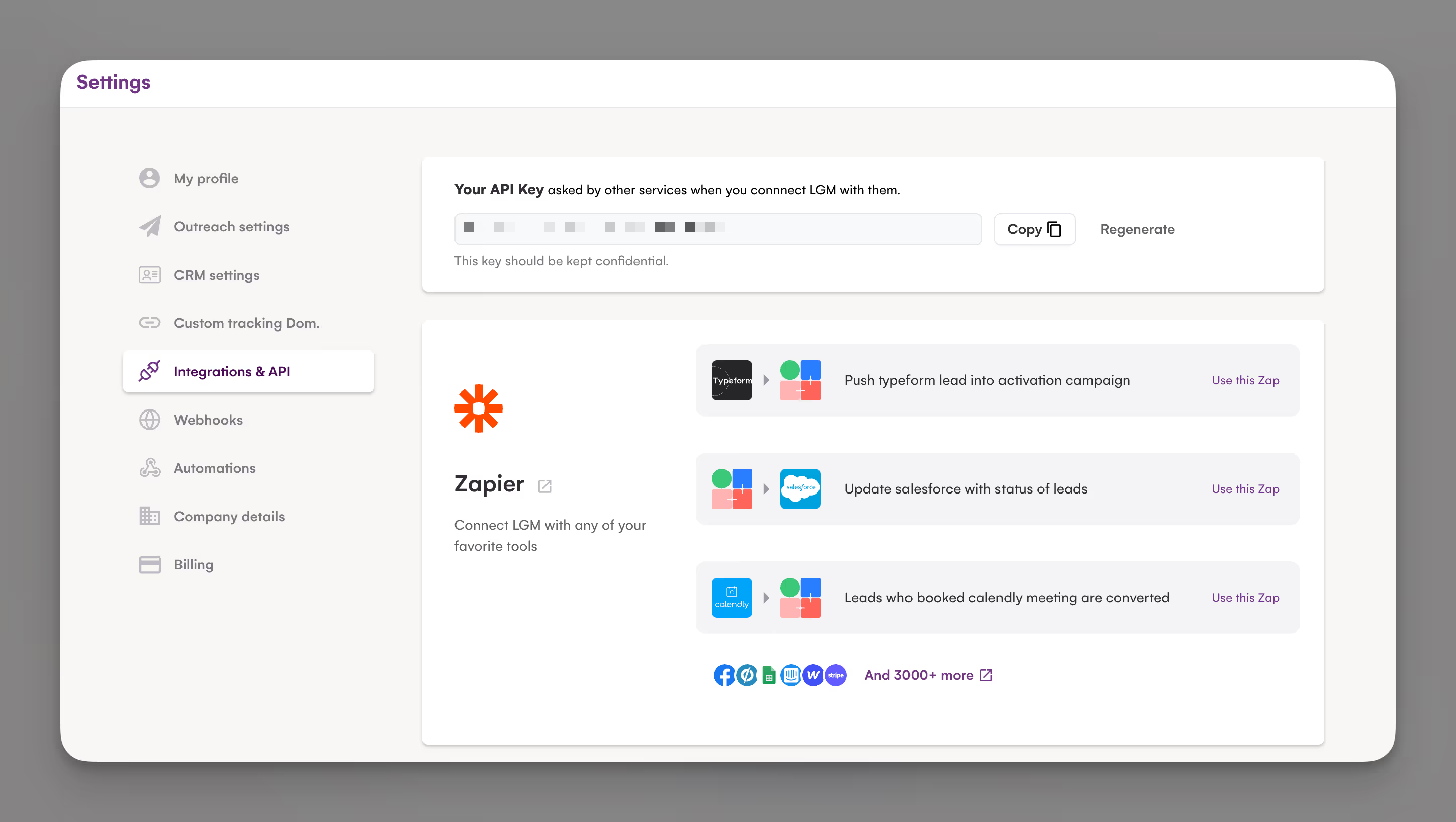
Once you’ve obtained your API key, navigate to your enrichment panel.
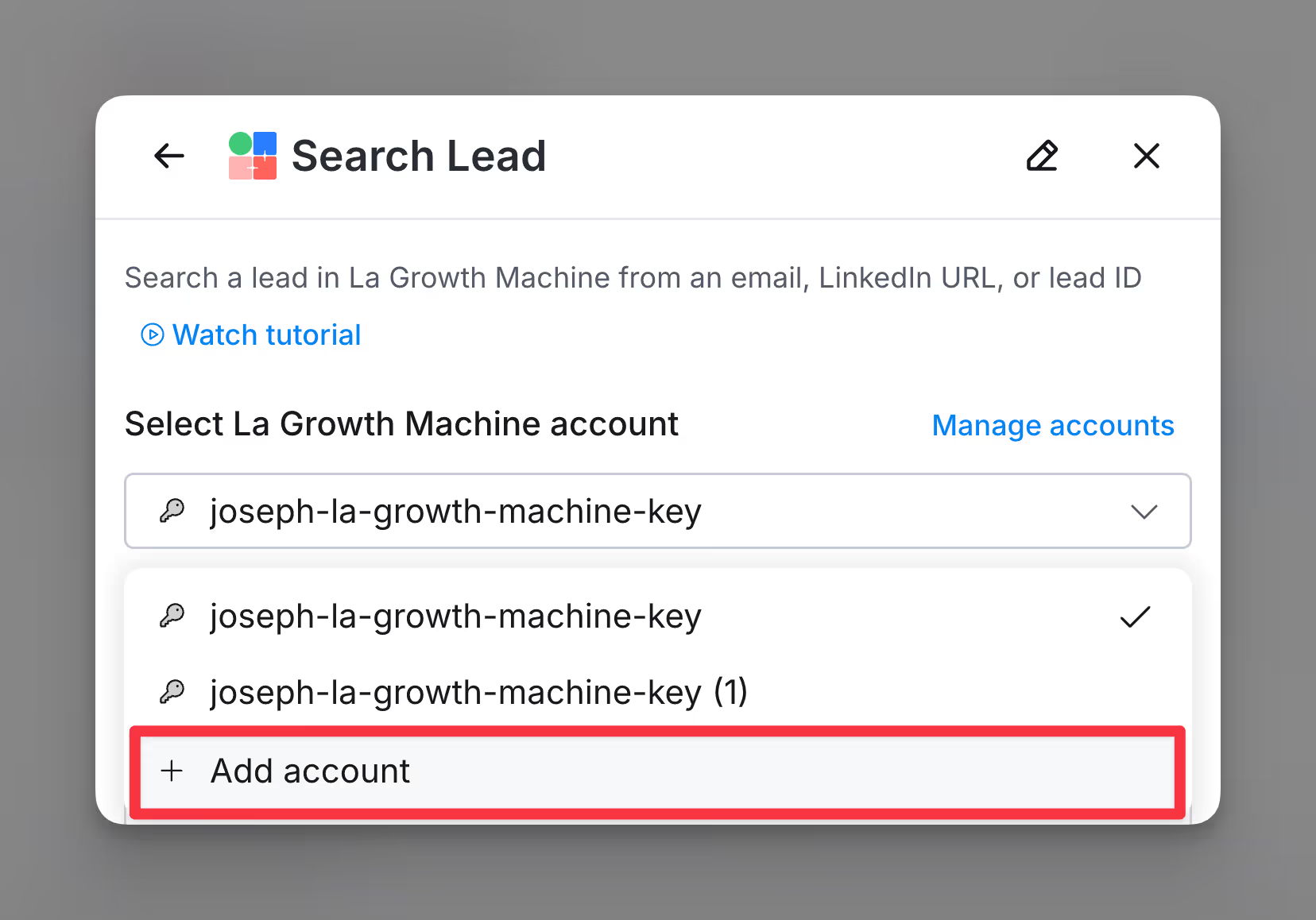
Paste your API key when creating a new account.

Set up audience to send leads to
To add leads to an Audience directly from Clay you will need to have an existing Audience. This must be done directly within La Growth Machine. To create an audience, head over to the left sidebar and Leads > Audiences.

La Growth Machine use cases
There are a few important callouts
- If you want to push personalized snippets to La Growth Machine, please make sure to use custom variables within your enrichment
- Ensure you are mapping out all fields like first name, last name and email correctly
Action: Create or Update Lead
Create or update a lead in La Growth Machine from a LinkedIn URL. By default, only empty fields will be updated; if you want to update fields that already have data, go to Outreach Settings in your La Growth Machine account, and turn on "Update the existing contact with changed or new fields".
Step 1: Select the Create or update lead action
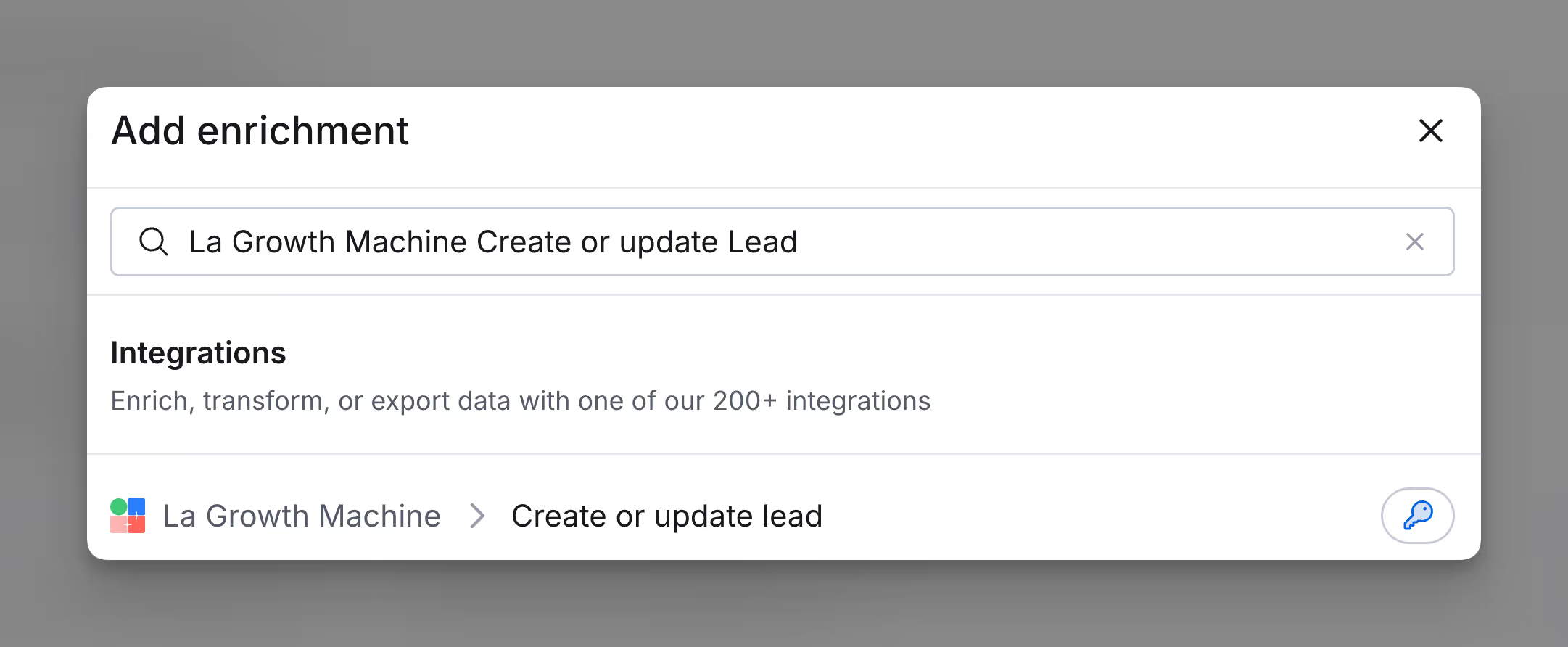
Step 2: Specify the audience of your lead

Step 3 (Optional): Map out contact information
Map out the contact information of the fields to export to La Growth Machine.
Note: Please make sure you are mapping your fields correctly

Step 4 (Optional): Specify custom attributes to export
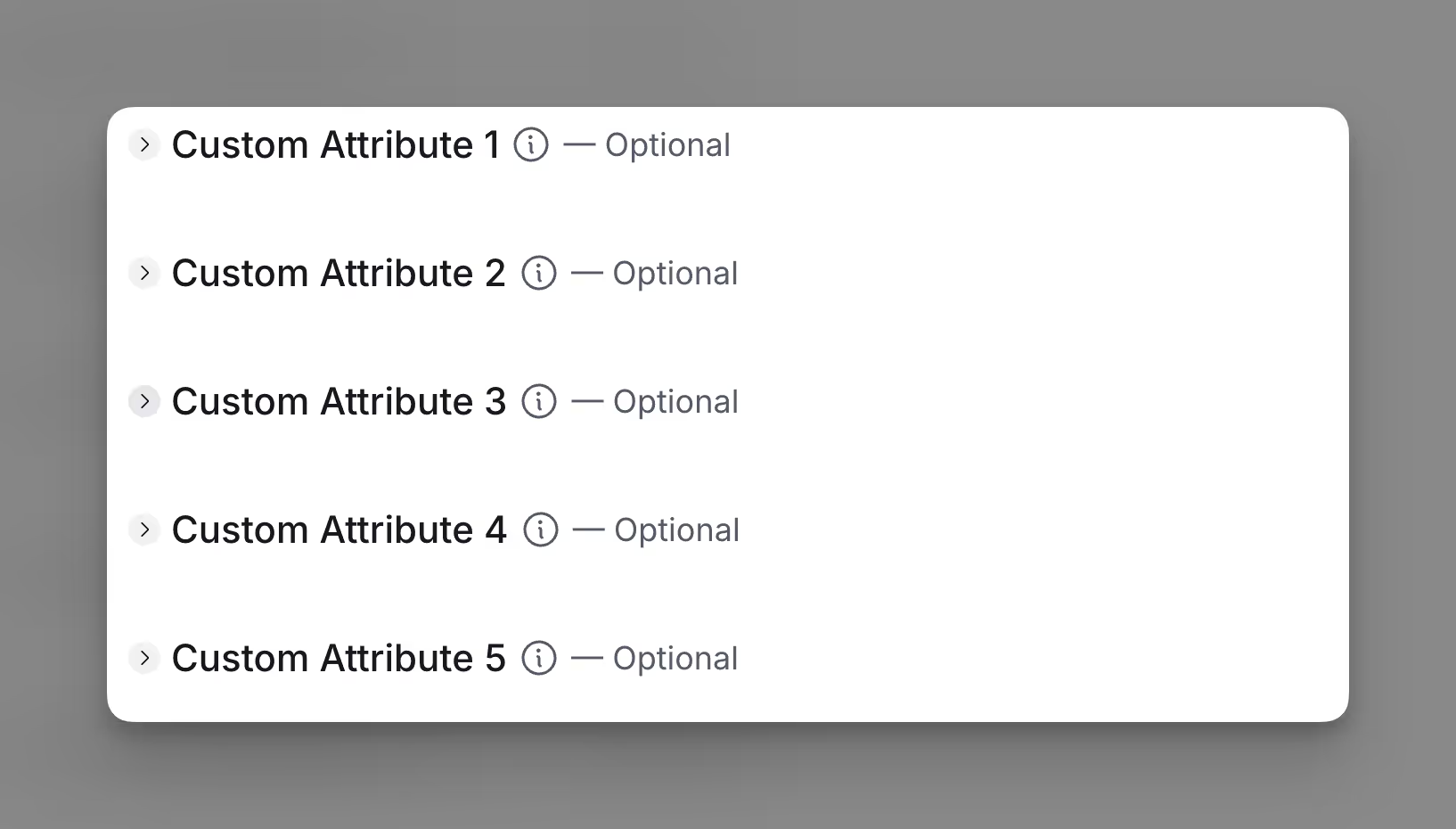
Step 5 (Optional): Configure run settings
Specify Auto-update and Conditional run statements.
.png)
Action: Create or Update Lead
The Search Lead action allows you to search a lead in La Growth Machine from an email, LinkedIn URL, or lead ID
Step 1: Select the Search Lead action
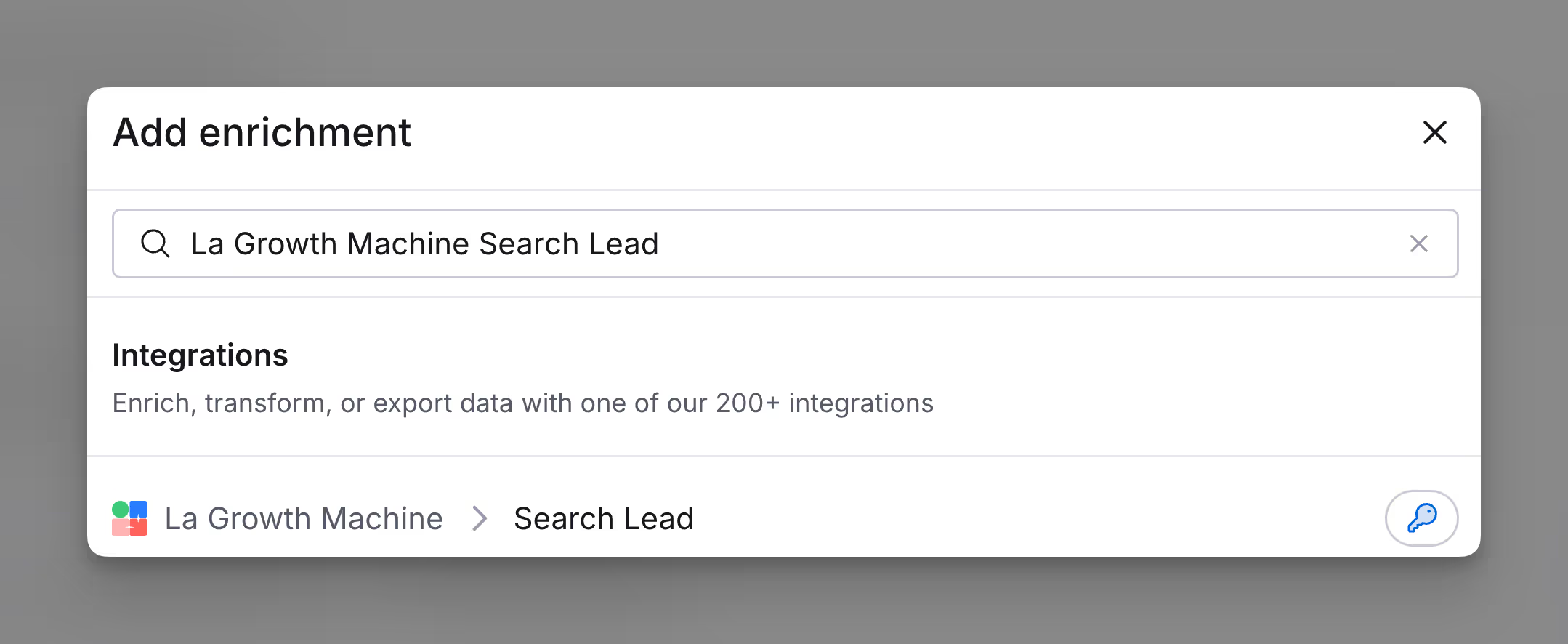
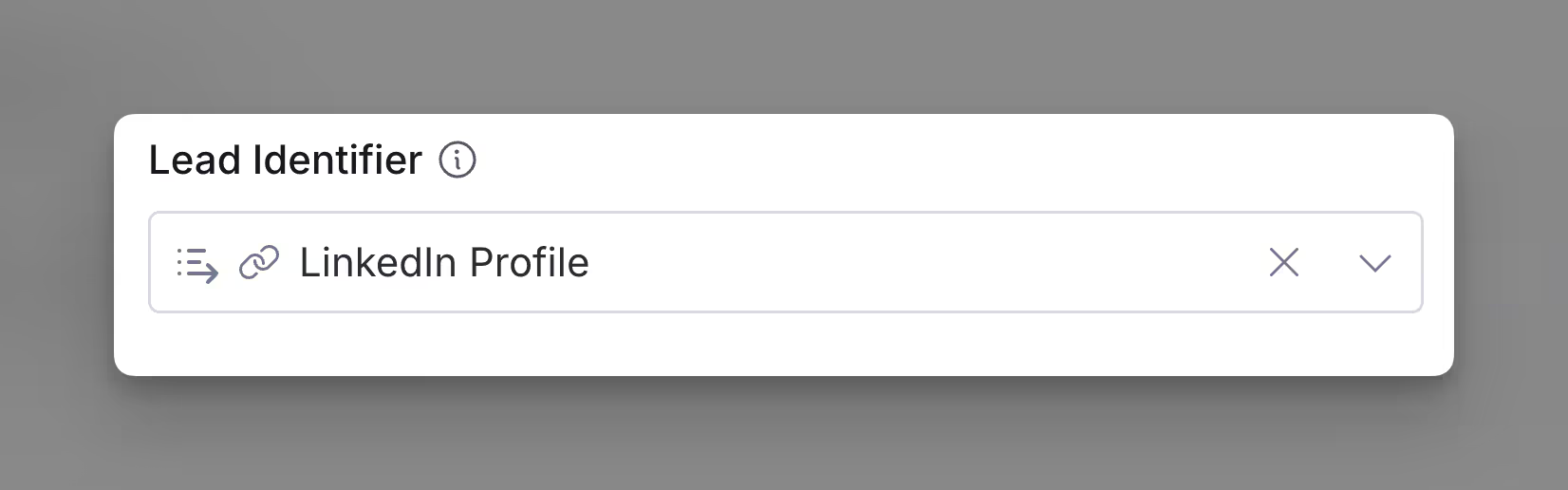
Step 2: Specify the Lead Identifier
This can be a LinkedIn URL (NOT a SalesNav URL), an email, or a lead ID
Step 3 (Optional): Configure run settings
Specify Auto-update and Conditional run statements.
Explore other docs
Other popular resources
Join a cohort, learn Clay fast!
The faster way to master Clay. Sign in if you're enrolled in a cohort (current or past) or apply!
Hire GTME Talent
Find and connect with GTM talent who've demonstrated expertise in building advanced workflows